Excel for the matrix. PDF for the plan. CSV for the data.
The capability matrix exports to an Excel workbook in the team’s own layout, the capture document prints to a PDF, contract search results download as CSV, and the assistant builds spreadsheets on request.
Take it out in the format it is expected in
For handing work to people who are not in GovCon.
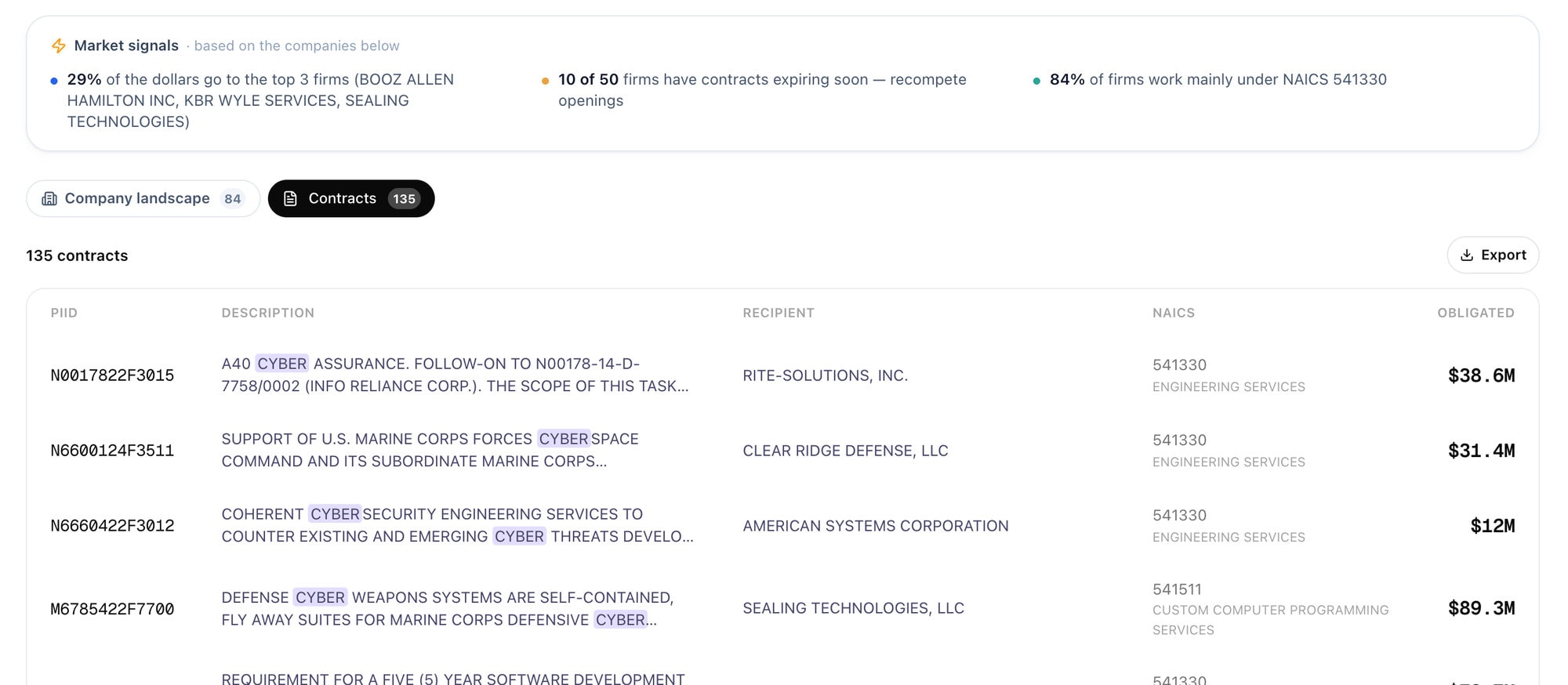
GovCon keeps the work in the record, but reviewers, partners and proposal writers often need a file. Four things export today: the capability matrix as an Excel workbook, the capture document as a print-ready PDF, the page of contract search results you are looking at as CSV, and spreadsheets the assistant builds when you ask.
Capture managers export the matrix for the gate review and the capture document for reviewers who read on paper; analysts pull contract CSVs into their own models.
It replaces retyping the matrix into the team template and pasting the plan into Word.
Exports, step by step.
Step 1: Capability matrix to Excel
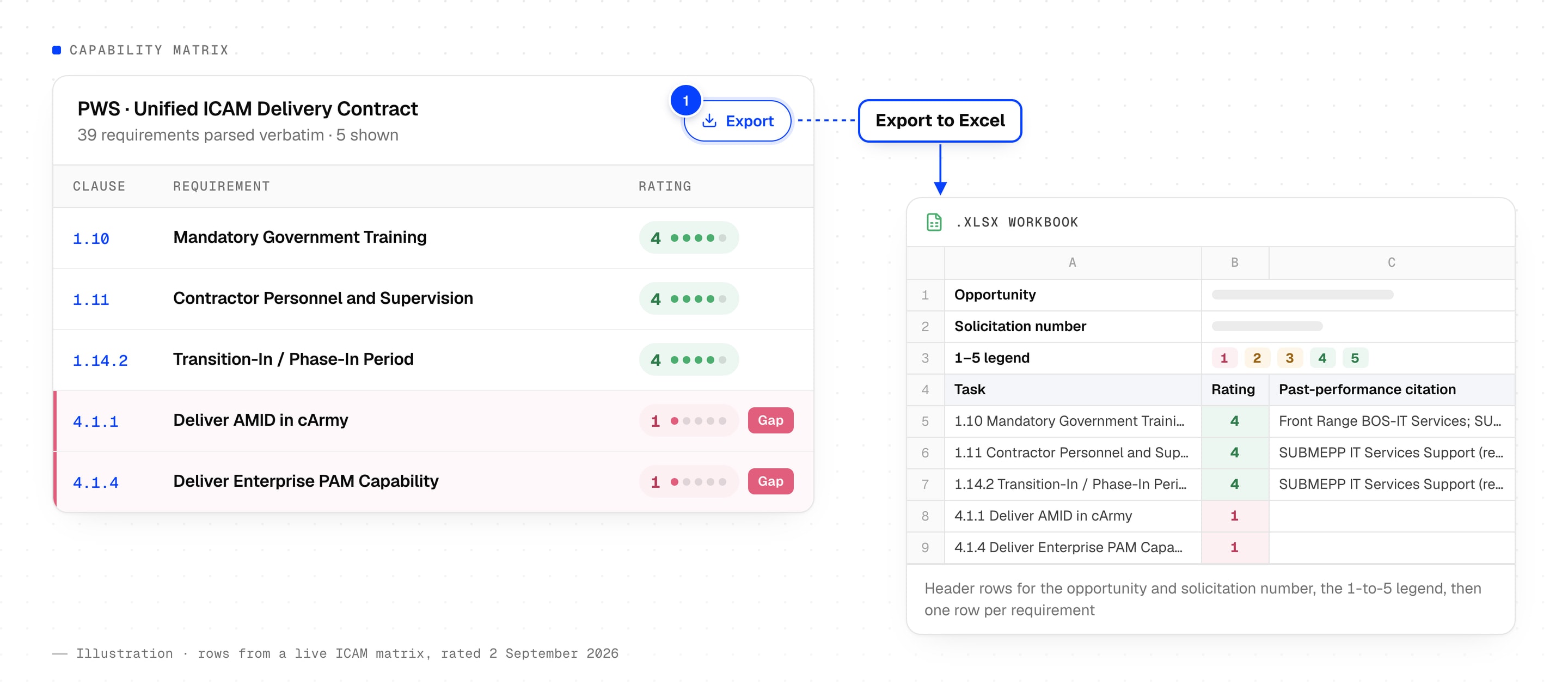
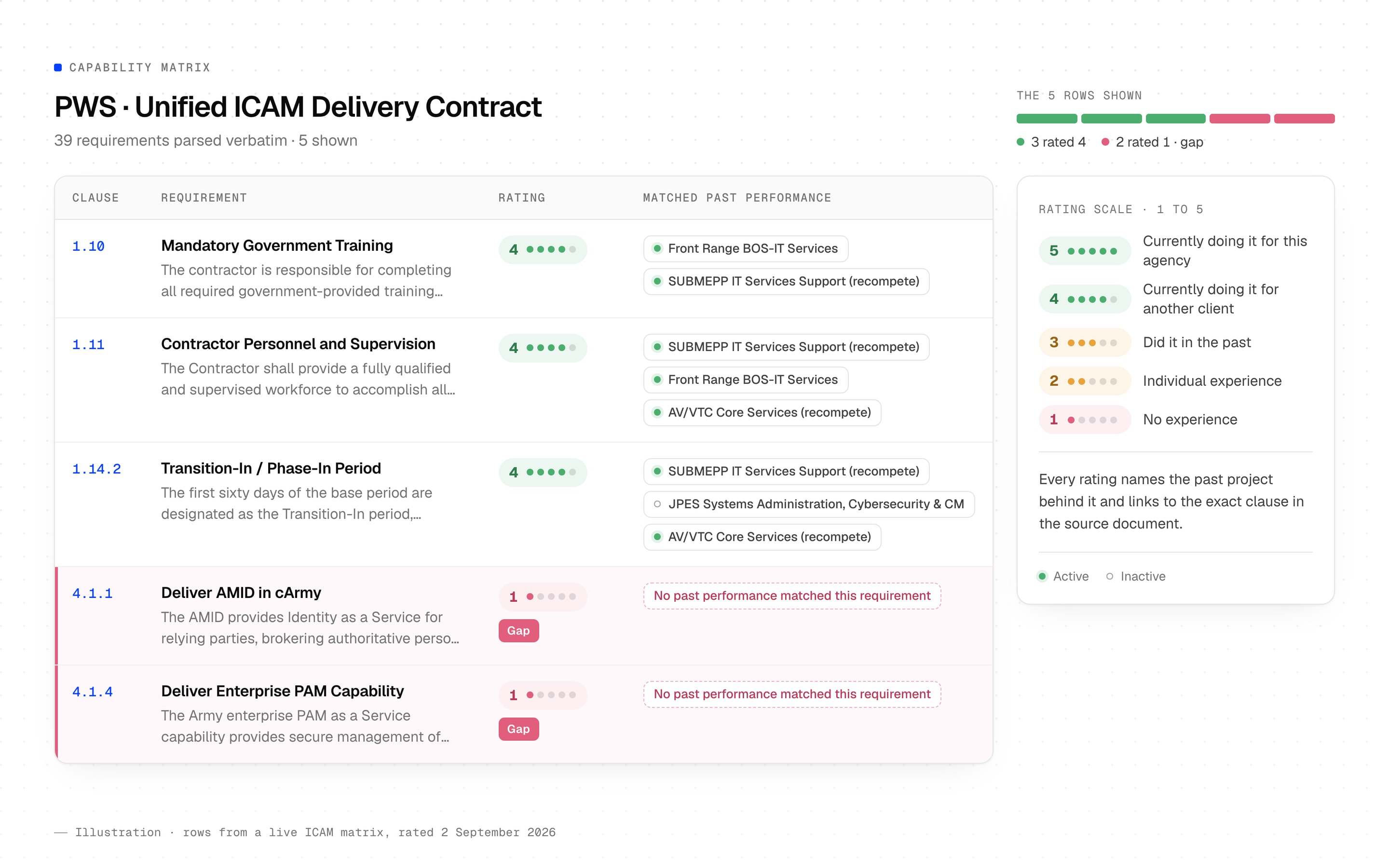
Export on the matrix toolbar downloads an .xlsx workbook: header rows for the opportunity and solicitation number, the 1-to-5 legend, then one row per requirement with the task, the rating and the past-performance citation — the same layout as the team’s manual spreadsheet.
Screenshot: The capability matrix toolbar with the Export button marked, above the scored requirement rows.
Step 2: Capture document to PDF
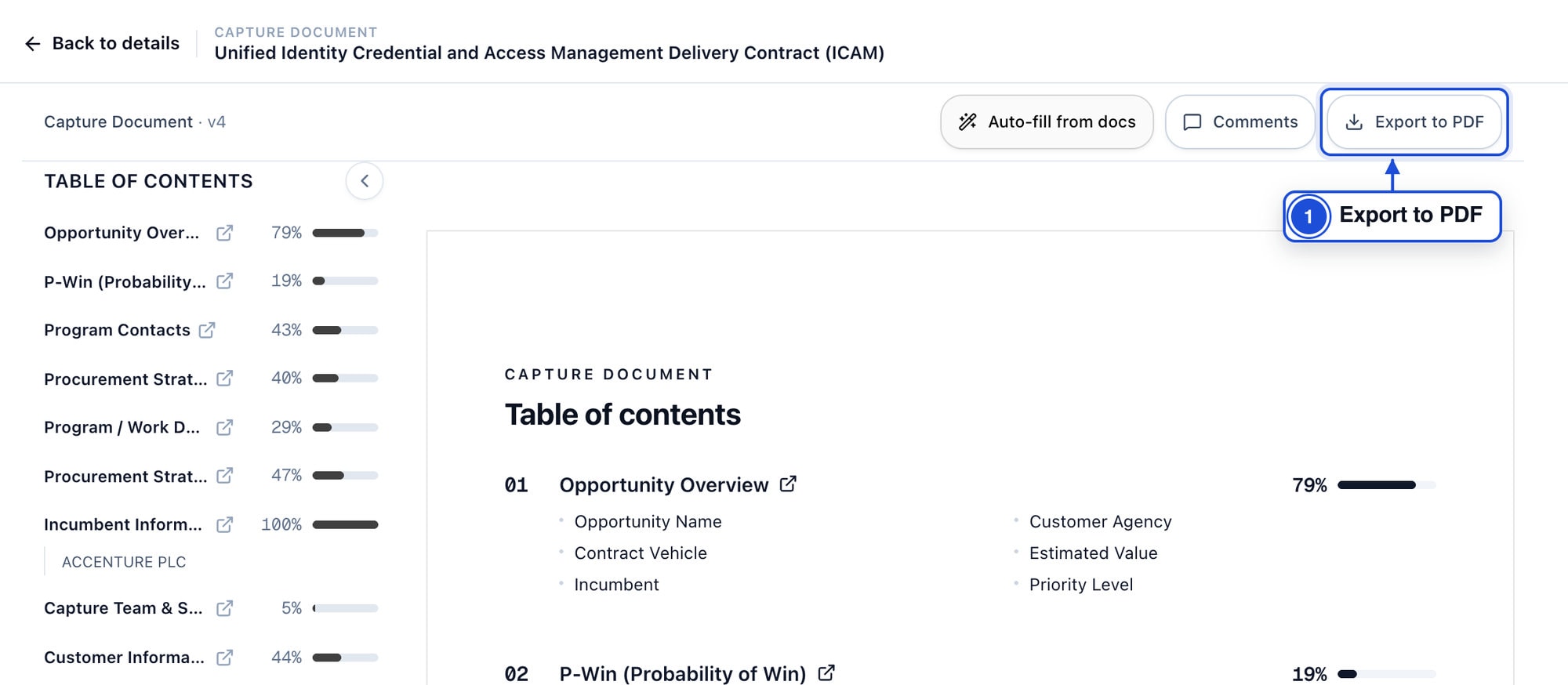
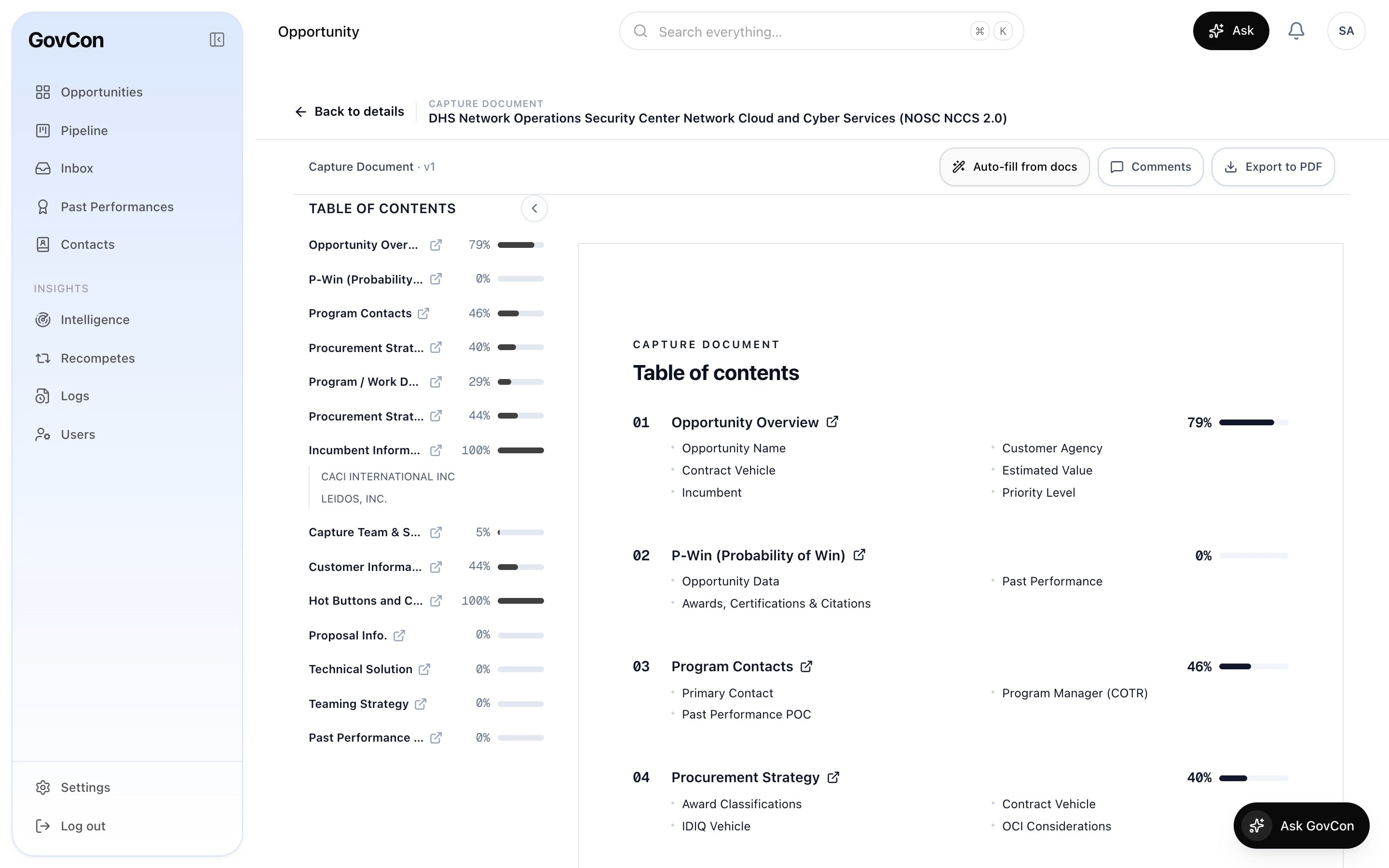
Export to PDF opens a print-ready copy of the whole document, page for page on A4, and hands it to your browser’s print dialog — choose Save as PDF. The contents page prints too. The button appears for people with the export permission.
Screenshot: The capture document toolbar with the Export to PDF button marked.
Step 3: Contract results to CSV
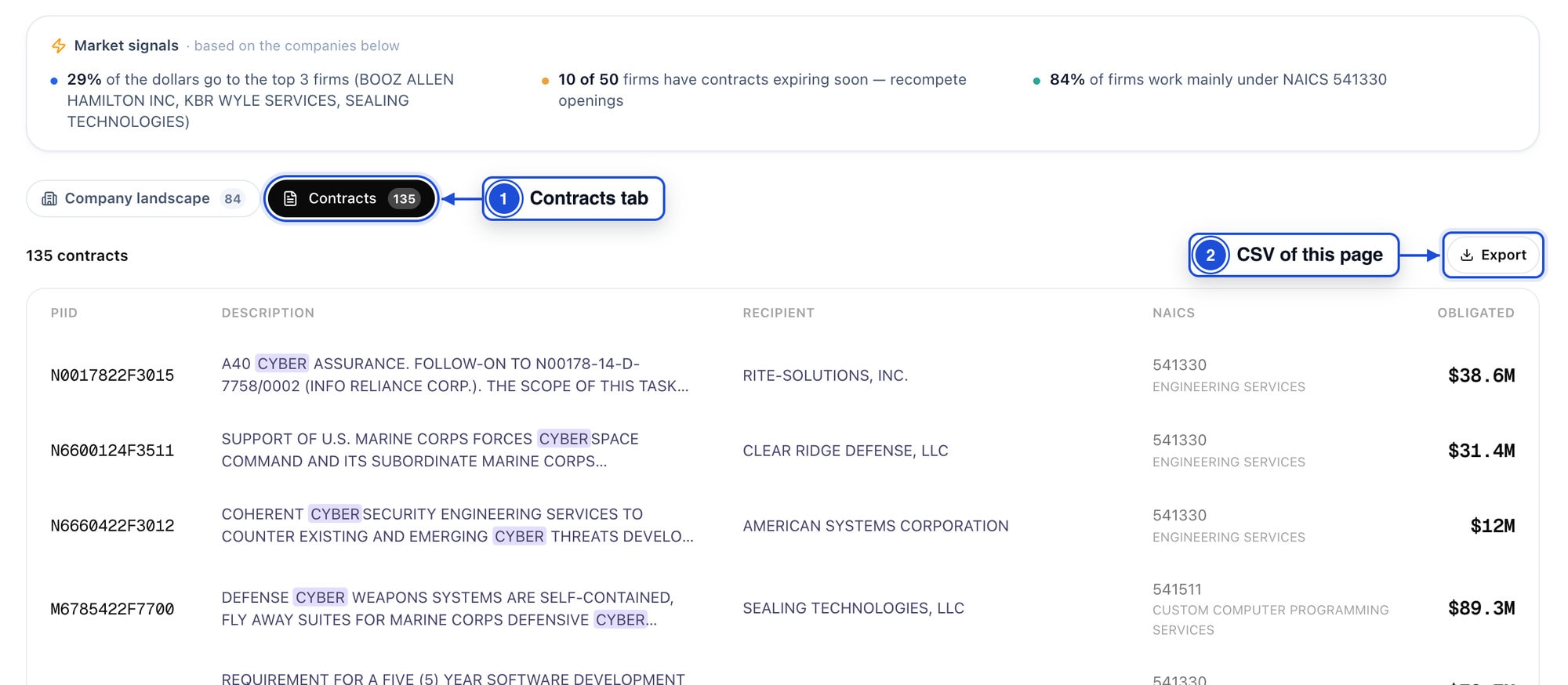
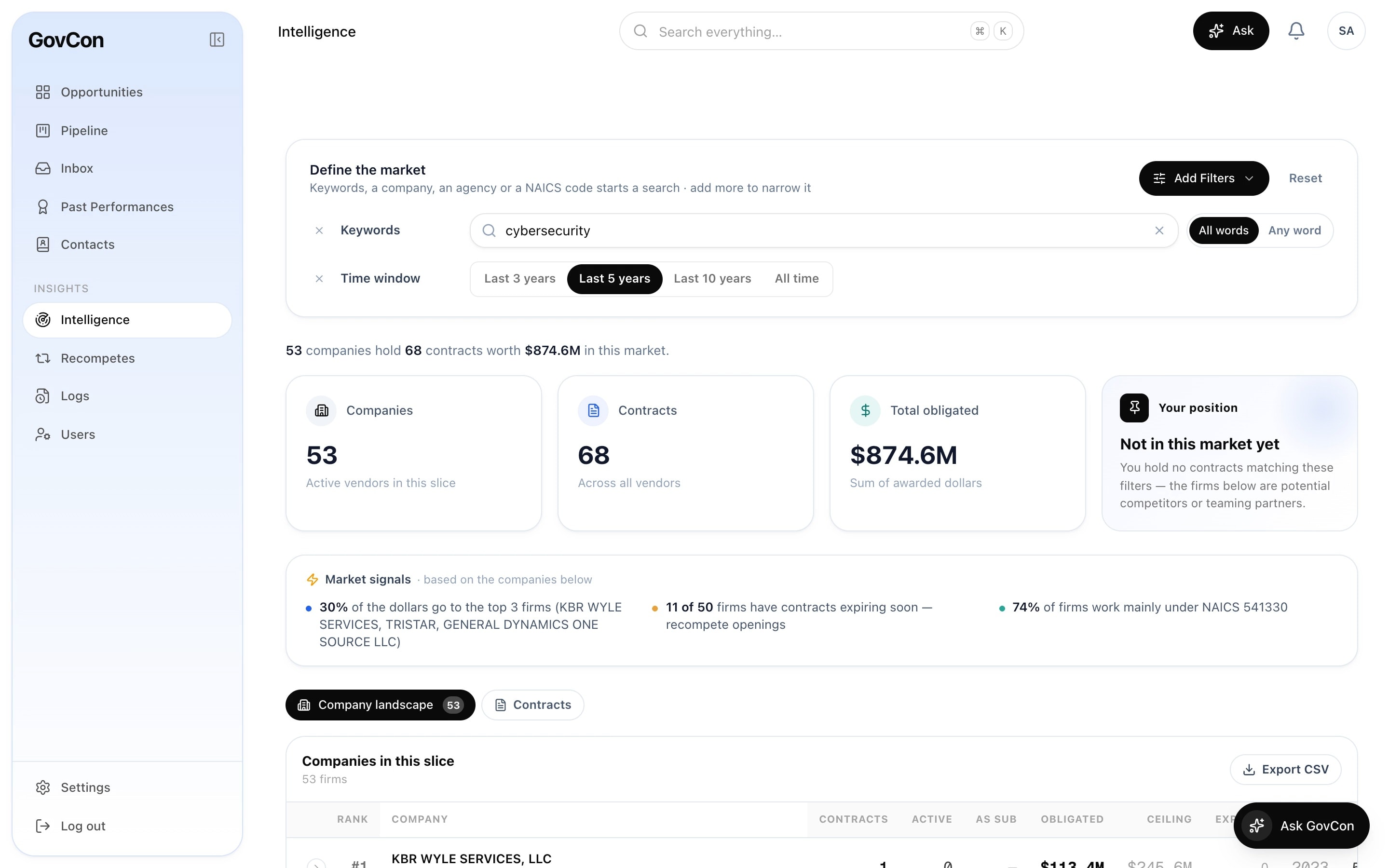
On Intelligence → Contracts, Export downloads the page of results you are viewing as CSV, with the filters you set applied.
Screenshot: The Contracts tab of the competitive landscape with a keyword filter applied and the Export button marked.
Step 4: Ask the assistant for a spreadsheet
Ask the assistant for a table — the incumbents and their contract values, say — and it builds a real Excel file and attaches it to the chat for download.
The specifics.
Capability matrix: Excel (.xlsx) only. Columns: task, rating, past-performance citation. Header rows name the opportunity and solicitation number and carry the 1–5 legend.
Capture document: print-ready PDF through the browser’s print dialog, A4 pages. There is no Word export.
Contract search: CSV of the current page of results, for the filters applied.
Assistant spreadsheets are real .xlsx files returned as attachments to the chat.
Exporting the capture document needs the export permission — one of the seventeen. The matrix Excel and the contract CSV are available to anyone who can open those pages.
Documents stored on a pursuit — from GovWin, HigherGov or your uploads — open in the app and download one at a time from the Resources tab.
Not exportable yet: the ranked company table, the recompete list, the activity log and saved contacts.
Data behind Exports
- Source 01
- The matrix rows, the capture document and the contract search results as they stand when you press Export
- Refresh
- Exports are made at the moment you press the button. Nothing is scheduled.
The words, explained.
- CSV
- Comma-separated values — a plain table file every spreadsheet program opens.
- Print-ready PDF
- GovCon lays the document out on A4 pages and opens your browser’s print dialog; choosing Save as PDF writes the file.
- .xlsx
- The Excel workbook format. The matrix export opens directly in Excel with the team’s columns.
- Current page
- The rows on screen. The contract CSV covers the page you are viewing, not every match.
What people ask about Exports.
Short answers here. The playbook has the long ones, screen by screen.
Still have a question? Book a working session
What it works with.
- Capability Matrix
 04
Capability Matrix
For answering “can we actually do this?” with evidence.
- Capture Document
 05
Capture Document
For turning “we should bid” into a plan.
- Competitive Landscape
 03
Competitive Landscape
For knowing the field before you enter it.
Want it walked through on your own pursuit?
Bring one solicitation. In forty-five minutes we import it, pull the incumbent’s award history, and show you Exports working on it. You keep the record either way.
- GovWin under your own licence
- USAspending needs no account
- Nothing you upload trains a model