Find the decision-makers. Pay for each once.
Search a company, narrow by title and seniority, reveal email and mobile — and never spend a second credit on someone you have already found.
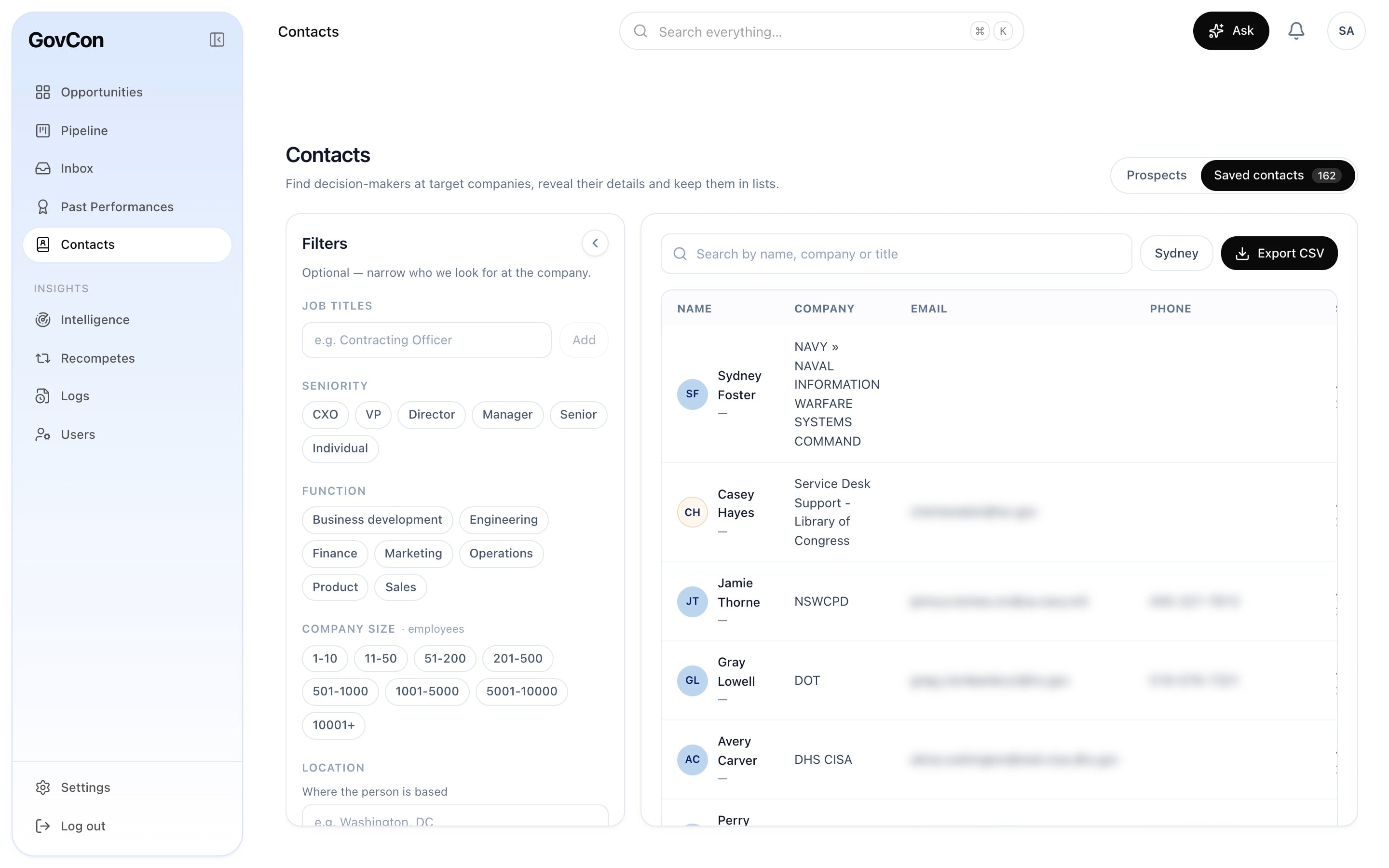
Find the people, once
For reaching decision-makers at a target agency or partner.
Contacts finds the people at an incumbent, a teaming partner or a competitor. It is powered by Wiza, a business-contact data service; GovCon searches through Wiza and keeps what you reveal.
Business developers use it to build a call plan; capture managers use it to find the incumbent’s leadership before a teaming conversation.
It replaces LinkedIn guesswork and a shared spreadsheet of emails nobody trusts. Revealed contacts are cached in your workspace, so the same person is never paid for twice.
Contacts, step by step.
Step 1: Start with a company
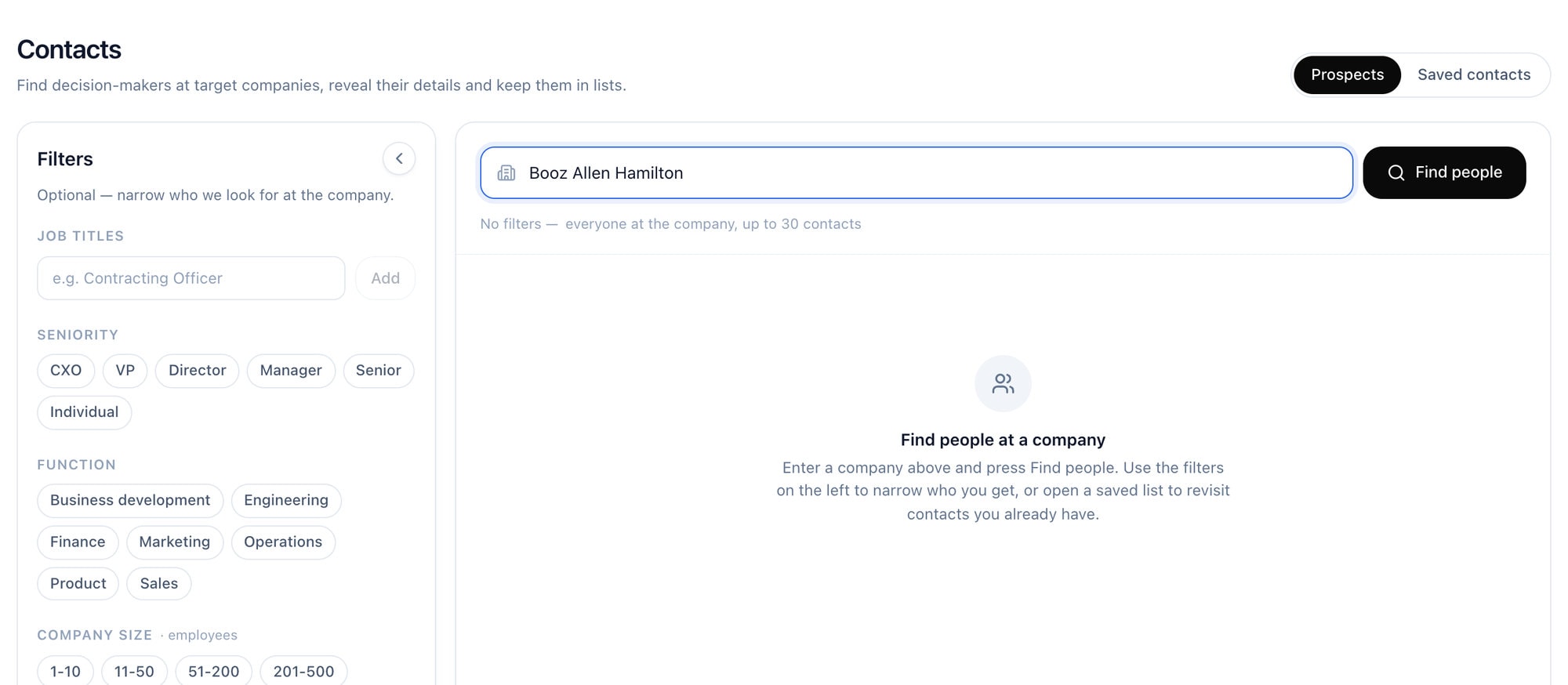
The search panel needs a company: type its name, its web domain, or paste its LinkedIn page. GovCon resolves it to one company before looking for people.
Screenshot: Contacts search panel with a company name entered and job-title and seniority filters below.
Step 2: Narrow the field
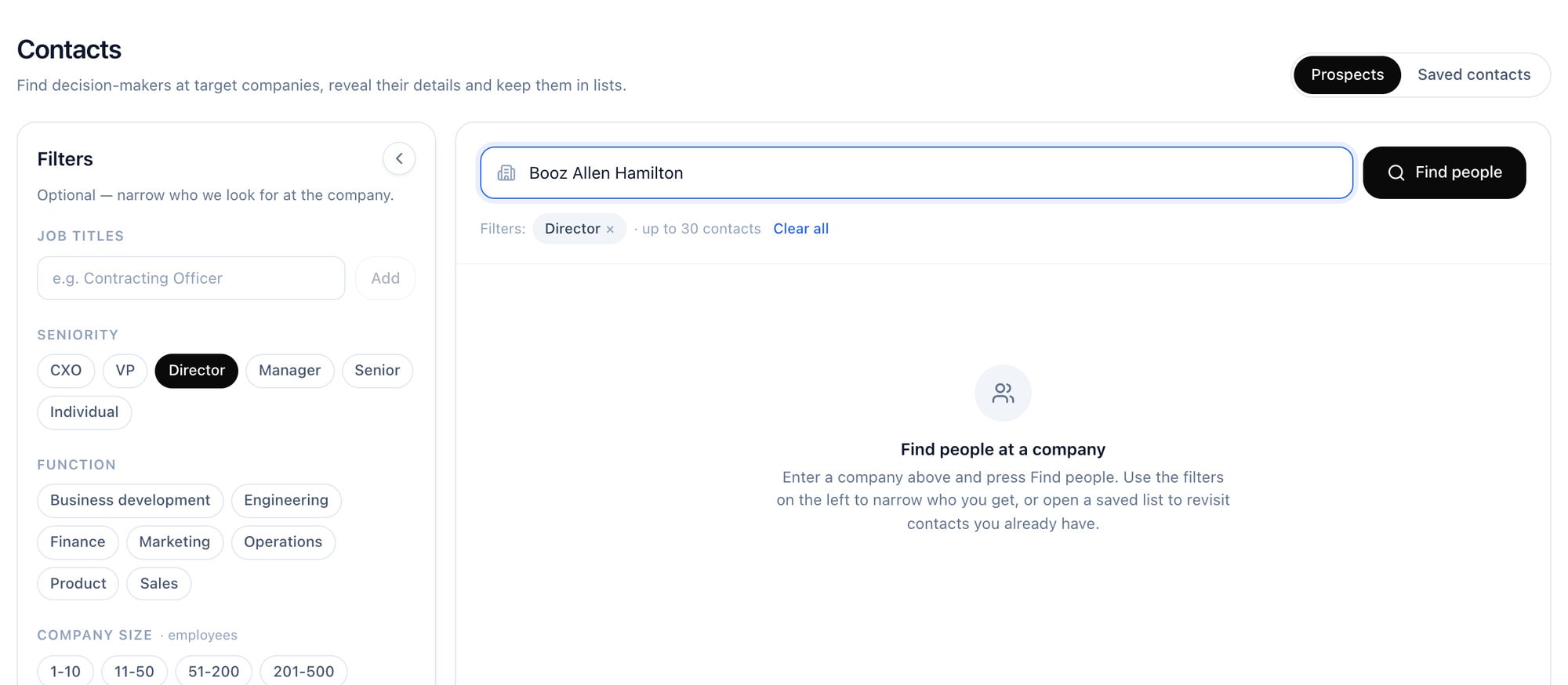
Add job titles, tick seniority levels — CXO, VP, Director, Manager, Senior, Individual — pick a function such as business development or engineering, and set company size, location and headquarters location. Choose how many results you want, up to 100.
Screenshot: Contacts search panel with the Director seniority level ticked.
Step 3: Reveal
Pick a person and press Reveal Email + Mobile. Partial mode returns email only; Full mode returns email and phone — you choose in the search panel. If your workspace has revealed this person before, the cached details appear at once and no credit is spent.
Step 4: Save the people you pick
Select all, or tick a few, and press Save Selected. Saved people are grouped by company in the Lists panel and flagged in later searches so you do not reveal them twice.
The specifics.
Company lookup accepts a name, a web domain or a LinkedIn company page.
Filters: job titles; seniority (CXO, VP, Director, Manager, Senior, Individual); function (business development, engineering, finance, marketing, operations, product, sales); company size; location; headquarters location.
Results per search: 1 to 100; the default is 30.
Reveal modes: Partial (email only) or Full (email + phone).
Revealed people are cached in your workspace. A repeat reveal returns the cached record and costs nothing.
Reveals run in the background; GovCon checks for the result for about a minute.
Saving de-duplicates on LinkedIn URL, then email plus company, then name plus company.
Data behind Contacts
- Source 01
- Wiza — business-contact search and reveal
- Source 02
- Your workspace’s saved-contact cache
- Refresh
- Searches run live against Wiza. Reveals usually complete within a minute. Cached contacts are returned instantly.
The words, explained.
- Wiza
- A business-contact data service. Credits are used only for new reveals.
- Reveal
- Asking the data service for a person’s email or phone. A reveal uses a credit — unless GovCon already has that person cached.
- Credit
- The unit Wiza charges per revealed contact. GovCon spends one only on a person it has not seen before.
- Seniority
- Wiza’s level bands — CXO, VP, Director, Manager, Senior, Individual.
What people ask about Contacts.
Short answers here. The playbook has the long ones, screen by screen.
Still have a question? Book a working session
What it works with.
- Competitive Landscape
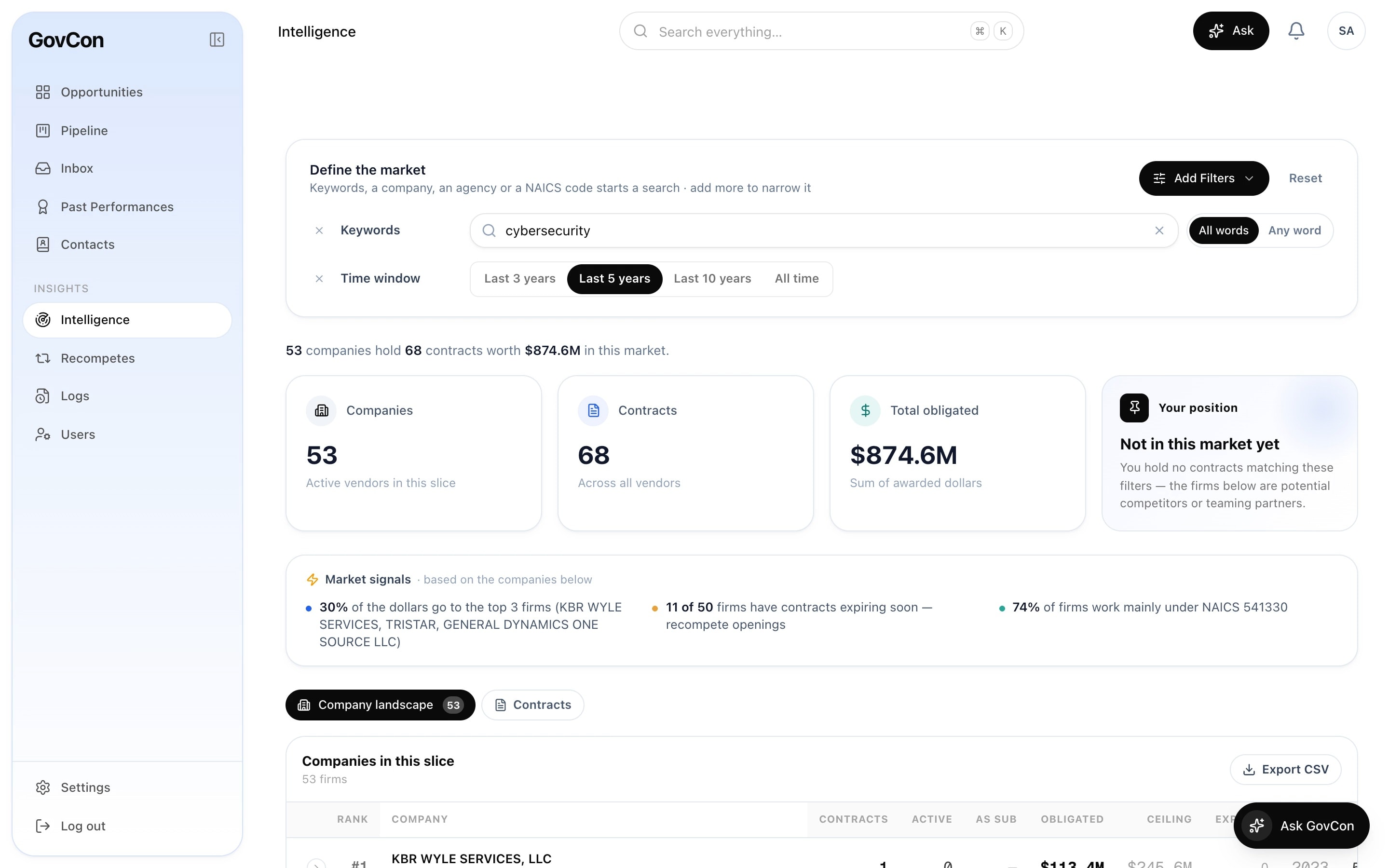 03
Competitive Landscape
For knowing the field before you enter it.
- Opportunities
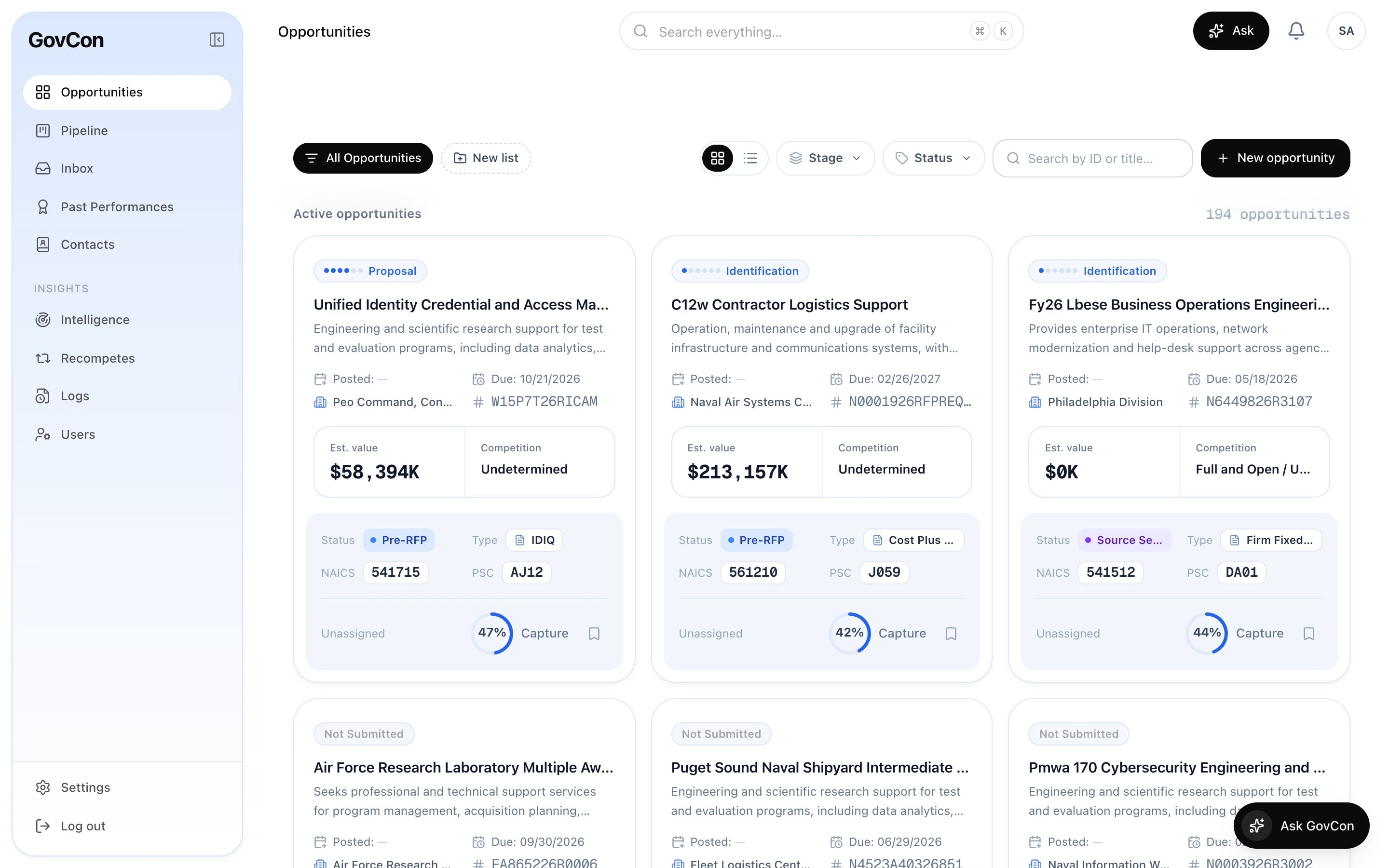 01
Opportunities
For keeping track of what you are chasing.
- Recompete Radar
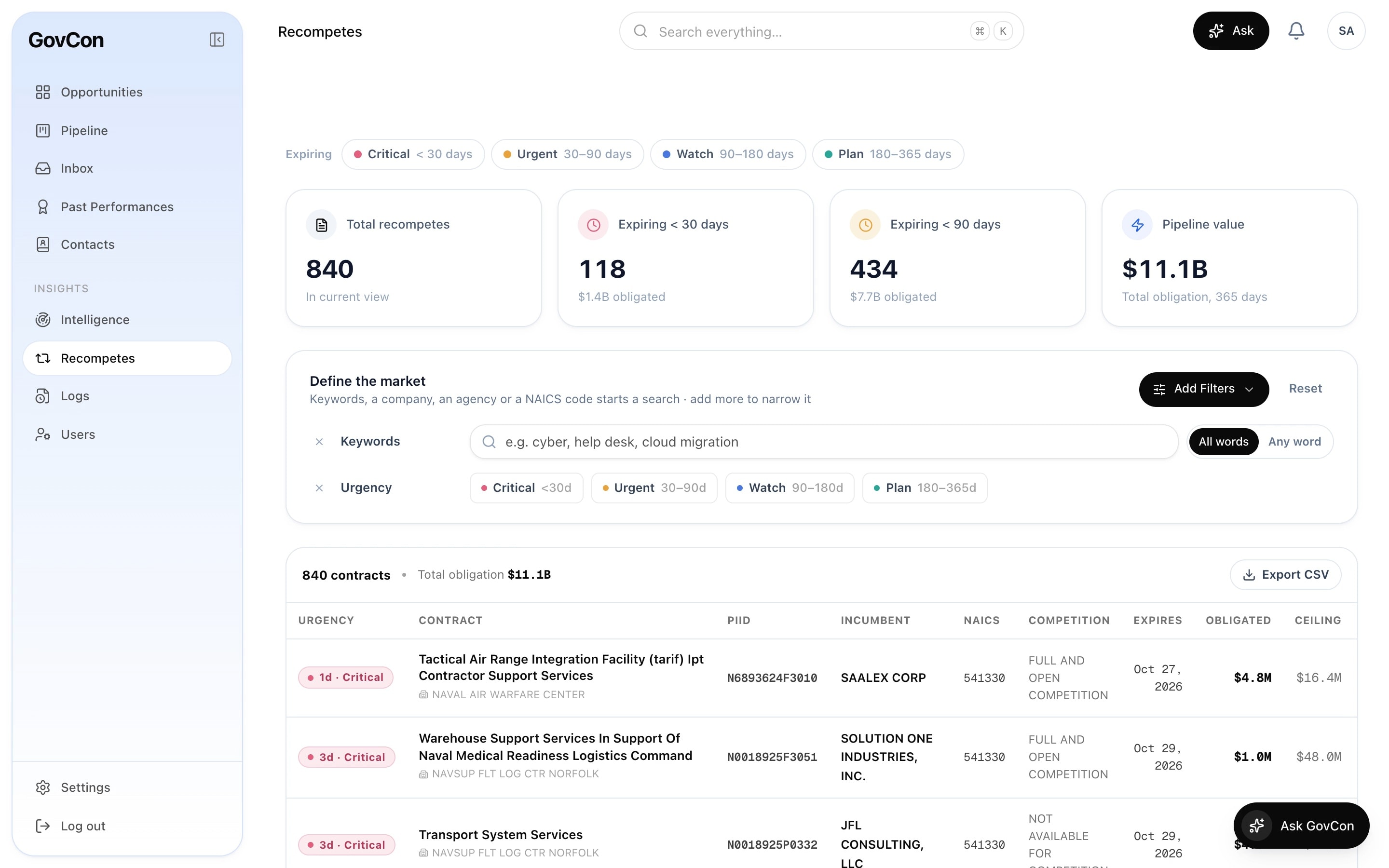 02
Recompete Radar
For finding work that is about to come back on the market.
Want it walked through on your own pursuit?
Bring one solicitation. In forty-five minutes we import it, pull the incumbent’s award history, and show you Contacts working on it. You keep the record either way.
- GovWin under your own licence
- USAspending needs no account
- Nothing you upload trains a model