The contracts expiring next — and who holds them.
Every contract in your market that ends within twelve months, sorted by urgency, with the incumbent, what they were paid, and one click to start pursuing it.
See contracts expiring before the notice posts
For finding work that is about to come back on the market.
Recompete Radar is a list of federal contracts in your market that are coming to the end of their term. When a contract ends the government must award the work again — that is a recompete, and it is your opening. The list is built from USAspending.gov, the public record of federal awards.
Business developers use it to find pursuits before a notice is posted; capture managers use it to size up the incumbent. Today the market it covers is Department of the Navy IT and engineering work — six NAICS codes, fiscal years 2016 to 2025. Other markets are added by configuration.
It replaces learning about a recompete when the solicitation appears. By then the incumbent has had years; you would have had weeks.
Recompete Radar, step by step.
Step 1: Open the radar
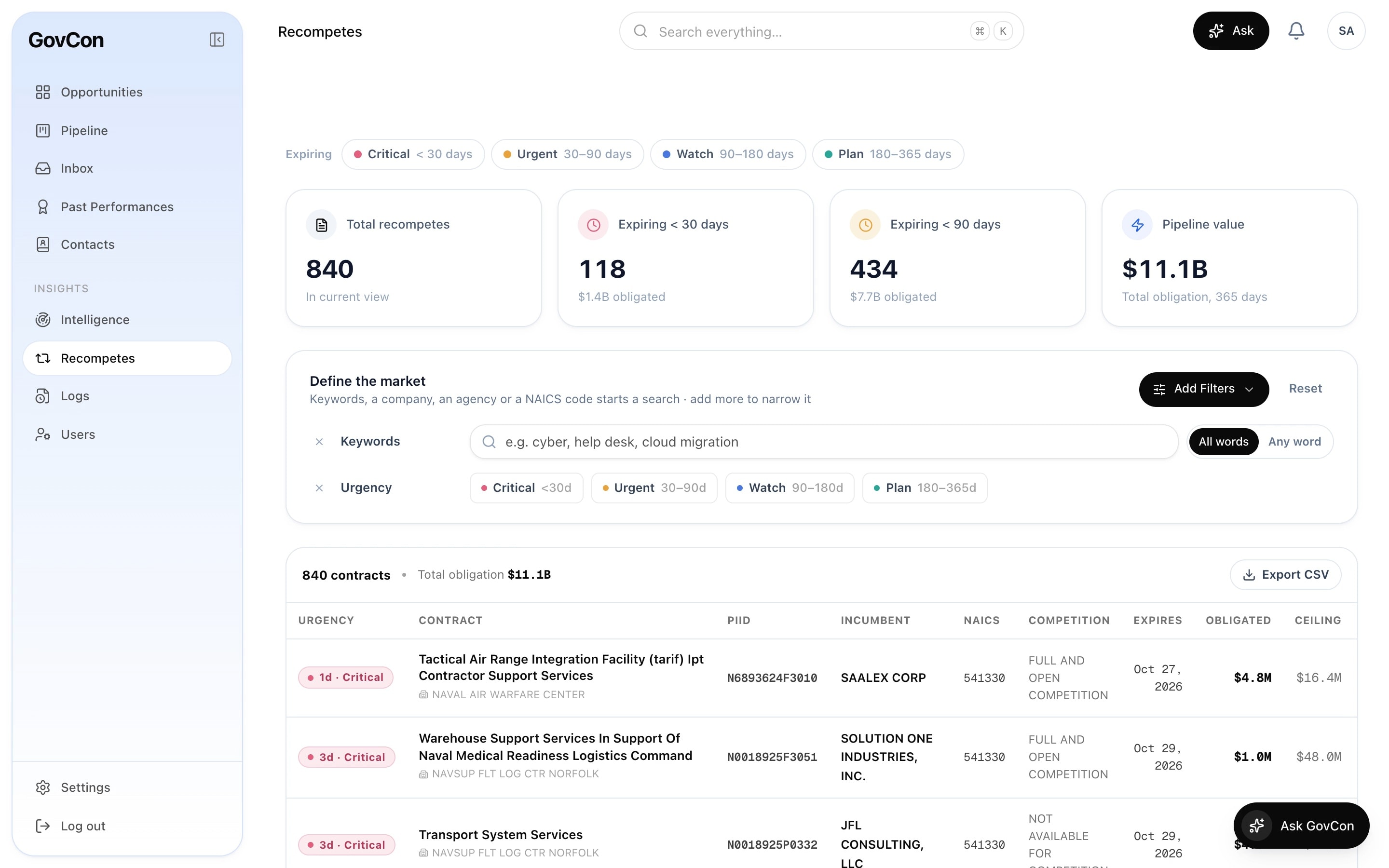
The page opens on every contract in the window, with the totals at the top: how many recompetes are in view and how many expire within 30 and within 90 days. Four urgency bands — Critical, Urgent, Watch, Plan — are one-click filters.
Screenshot: Recompete radar header with total recompetes, 30-day and 90-day expiry counts, a filter bar, and four urgency bands.
Step 2: Read the row
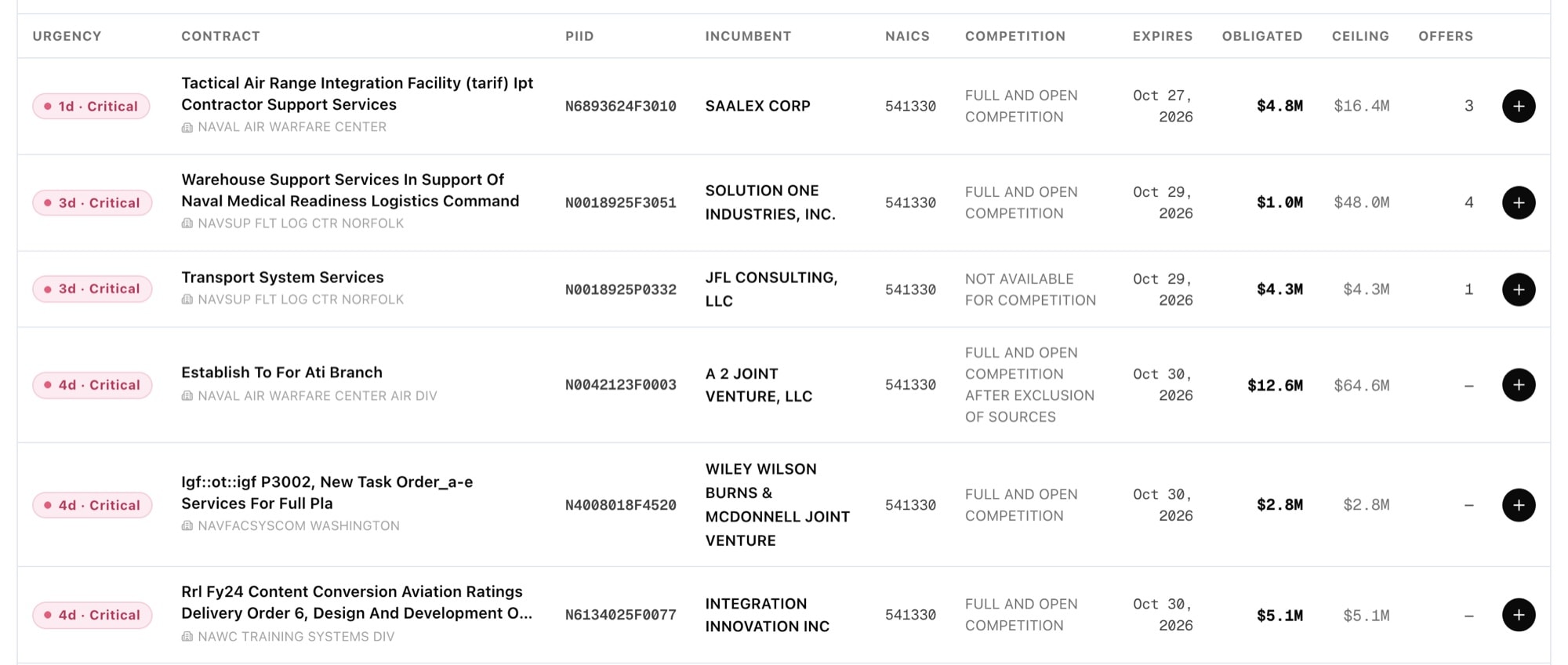
Each row names the contract and the awarding office, the incumbent, the NAICS code, how the award was competed, when it expires, what has been obligated, the ceiling, and how many offers the government received.
Screenshot: Recompete table: urgency pill, contract and awarding office, contract number, incumbent, NAICS, competition type, expiry date, obligated, ceiling and offers.
Step 3: Open the contract
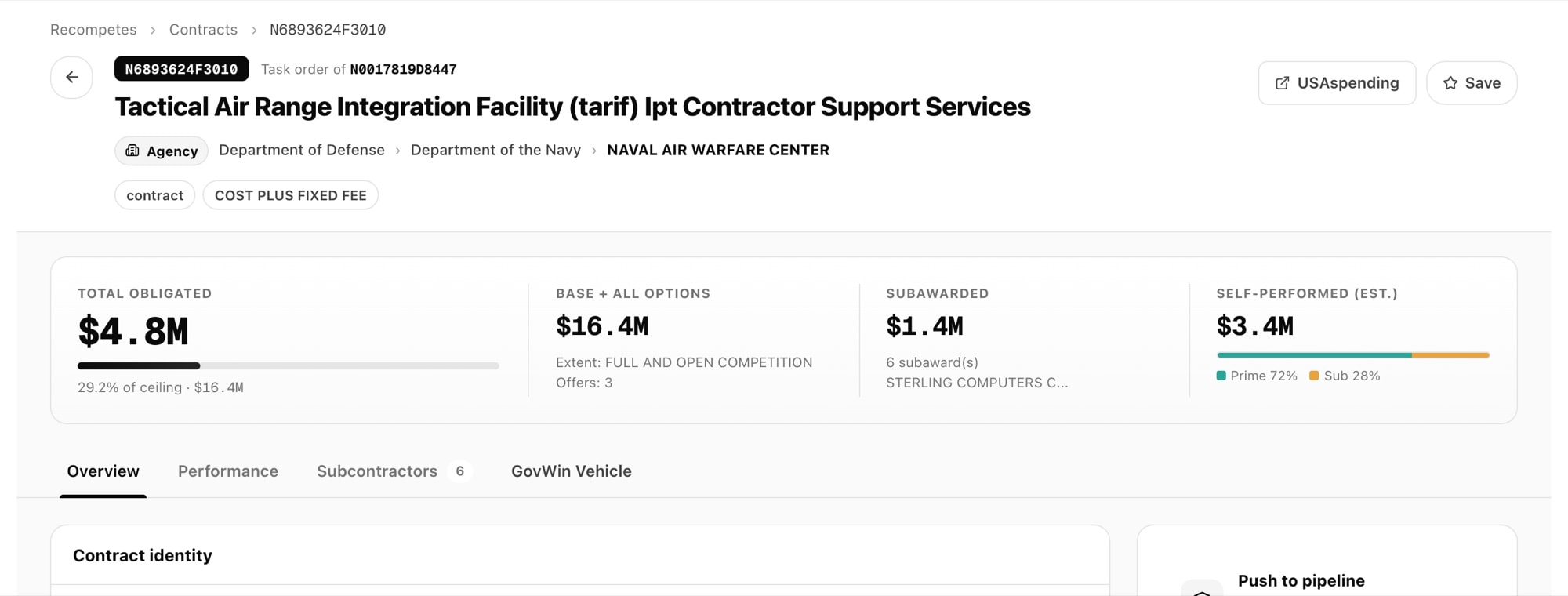
Click through to the contract page: total obligated against the ceiling, base plus all options, how much was subawarded and to whom, an estimate of what the prime performed itself, spending by fiscal year, task orders under the vehicle, and the linked GovWin opportunity when one exists.
Screenshot: Contract page: agency trail, total obligated against ceiling, base plus all options, subawarded, self-performed estimate, tabs, and a Push to pipeline card.
Step 4: Push it into the pipeline
Add to pipeline moves the linked opportunity to Qualification and assigns it to you. If no GovWin record is linked yet, paste the GovWin ID and GovCon fetches it — or create the pursuit without one.
Step 5: Narrow the field
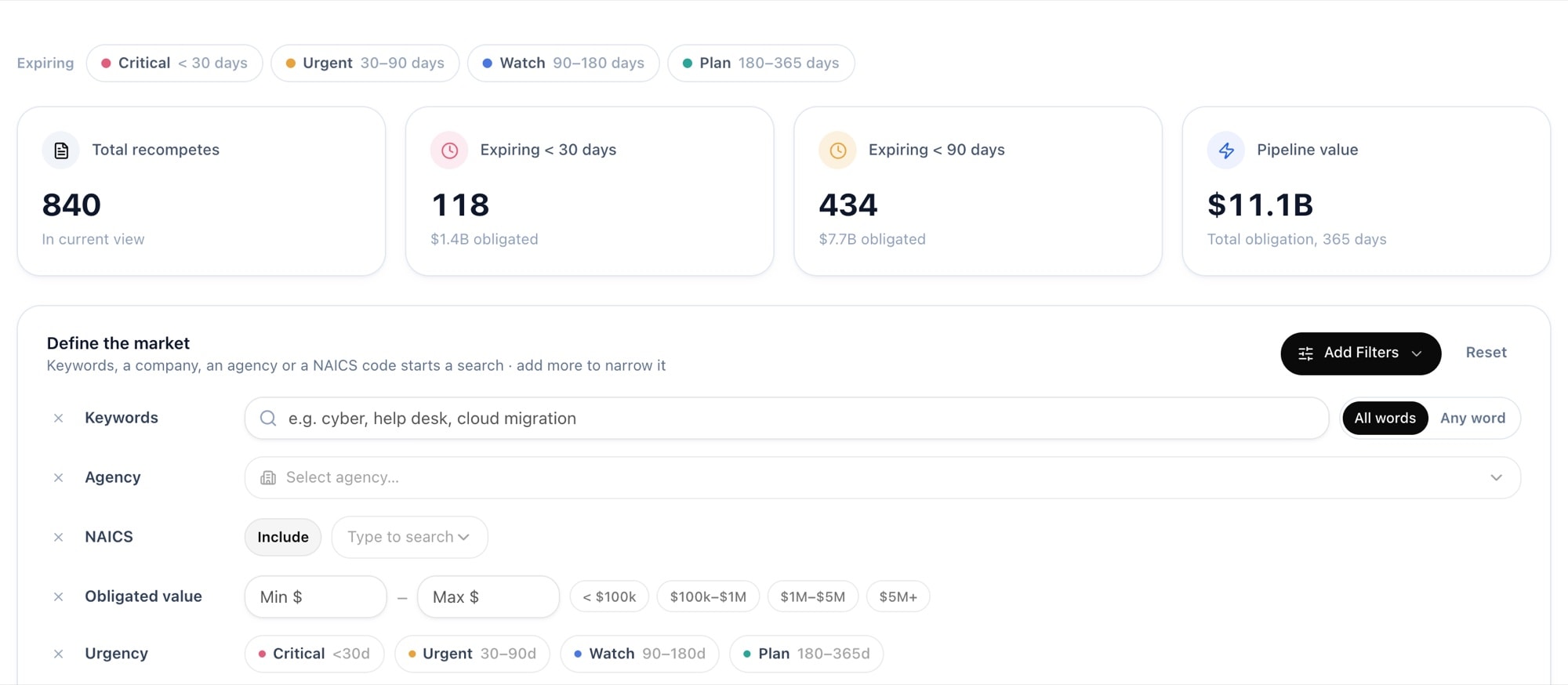
Filter by keyword, agency down to office level, NAICS code, obligated value and competition type; sort by soonest expiry, highest obligated or highest ceiling.
The specifics.
Window: contracts whose effective end — the later of the period end and the potential end including options — falls within the next 365 days.
Four urgency bands: Critical 0–30 days, Urgent 31–90, Watch 91–180, Plan 181–365.
A $1,000,000 obligation floor applies by default, so the list starts with contracts worth pursuing.
Workspace snapshot, 2 September 2026: 1,347 contracts expiring in the next 12 months, 582 of them within 30 days.
The incumbent shown is the prime contractor of record on that award.
Add to pipeline moves the pursuit to Qualification and assigns it to you; the contract stays linked to the opportunity record.
Task orders are linked to the vehicle they sit under, so an expiring order shows its parent contract.
Contract data covers Department of the Navy IT and engineering work — six NAICS codes, fiscal years 2016 to 2025. Other markets are added by configuration.
Data behind Recompete Radar
- Source 01
- USAspending.gov — the public record of federal awards, synced into your workspace for your market
- Refresh
- Contract data is loaded by a sync run, not streamed live. Counts are a dated snapshot; anything computed from today's date — expiry countdowns, urgency bands — is recalculated every time the page loads.
The words, explained.
- Recompete
- A contract reaching the end of its term. The government must award it again — which means it is open to you.
- Incumbent
- The company holding the contract today.
- Obligated
- Money the government has actually committed on a contract. The ceiling is the most it could commit.
- Task order and vehicle
- A vehicle is an umbrella contract; a task order is a piece of work bought under it. The radar links each order to its vehicle.
What people ask about Recompete Radar.
Short answers here. The playbook has the long ones, screen by screen.
Still have a question? Book a working session
What it works with.
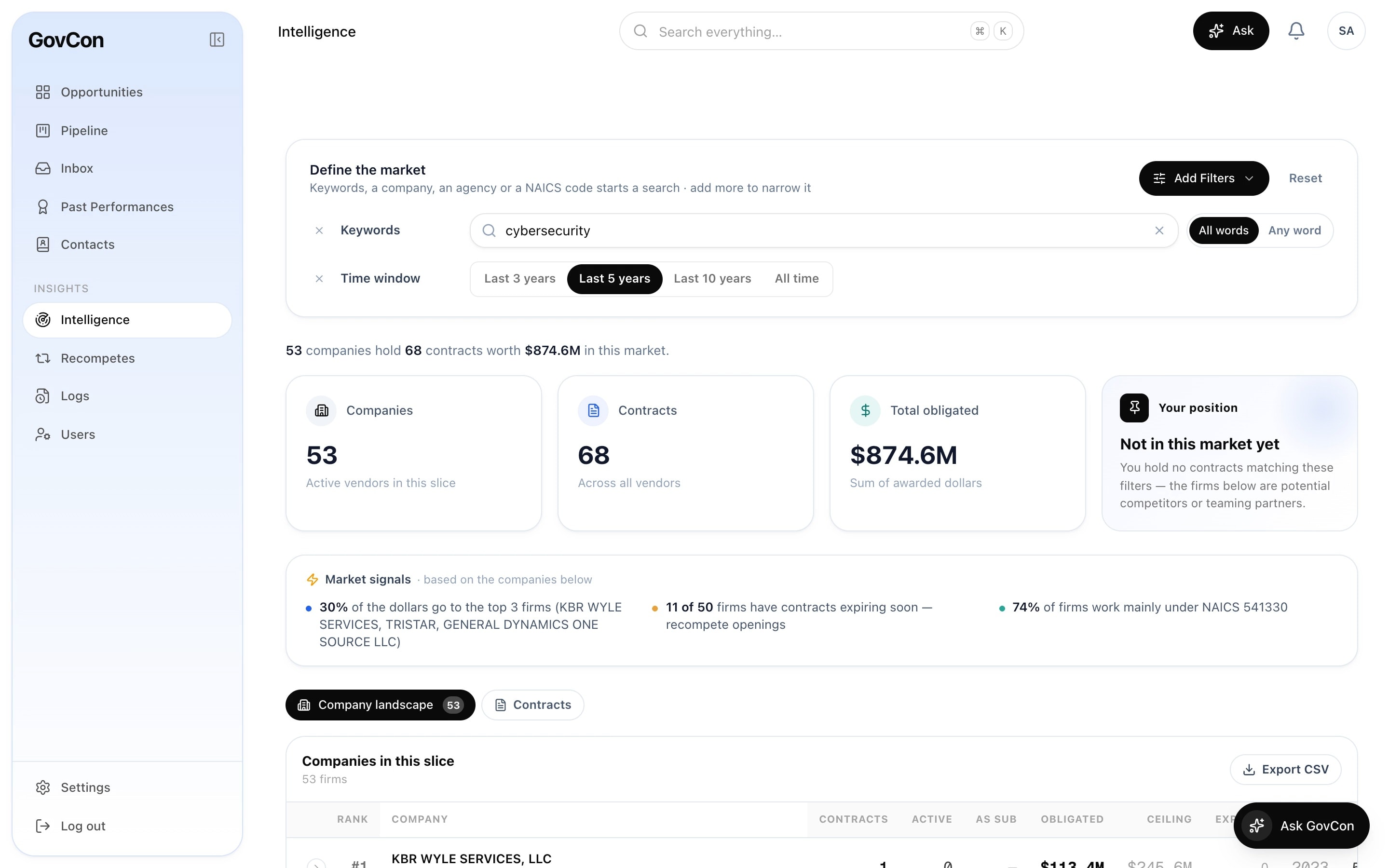
- Competitive Landscape
 03
Competitive Landscape
For knowing the field before you enter it.
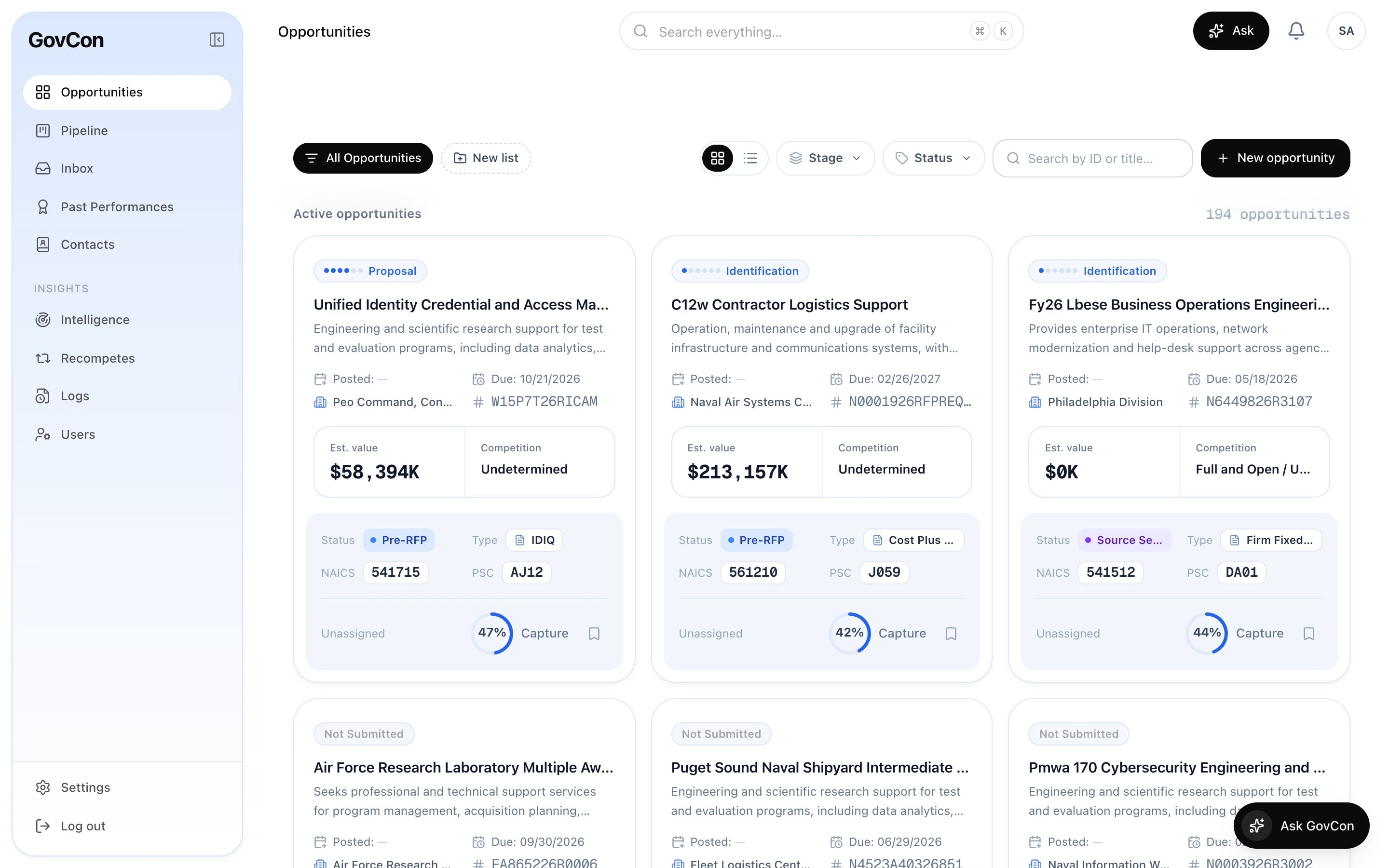
- Opportunities
 01
Opportunities
For keeping track of what you are chasing.
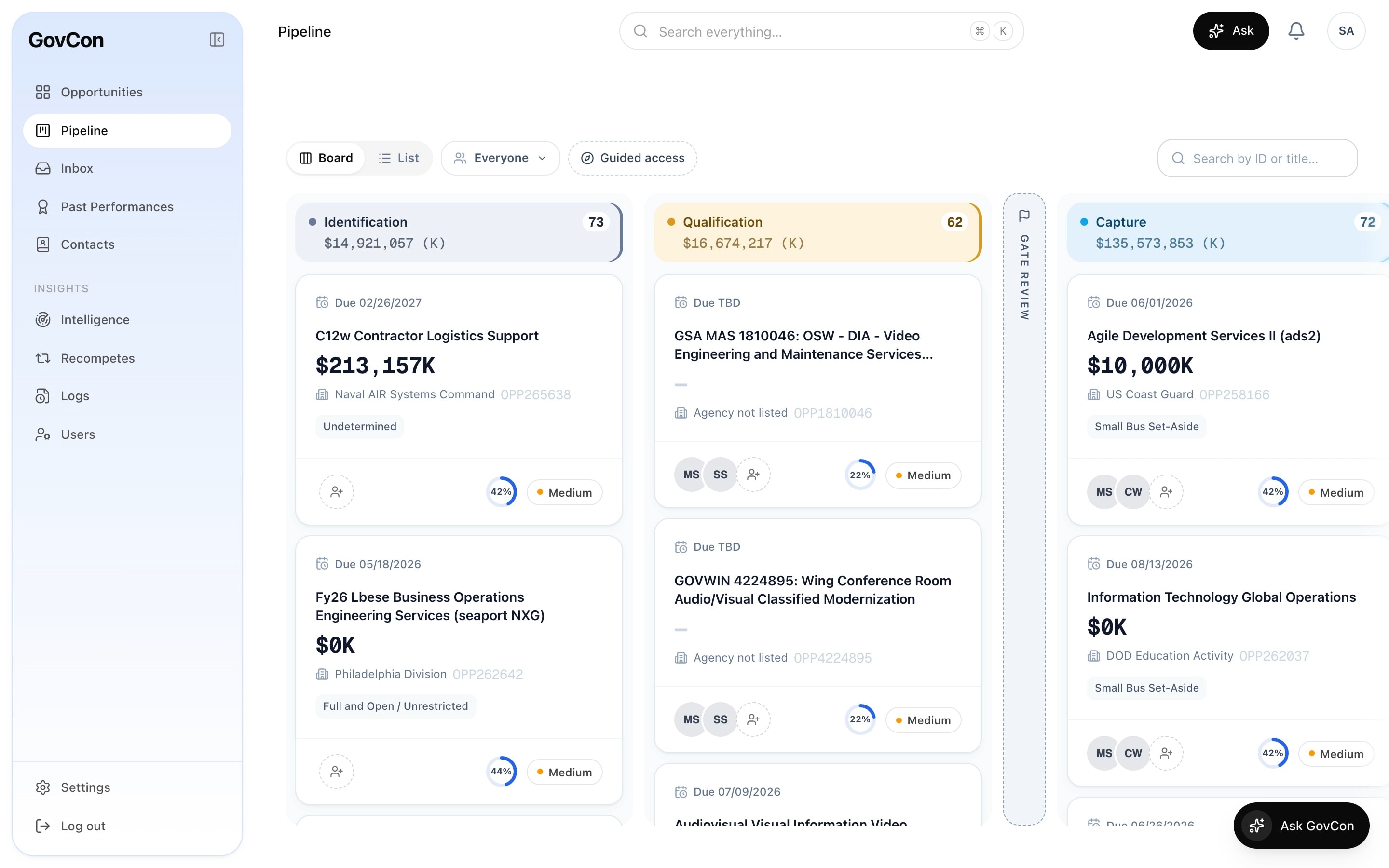
- Pipeline & Gate
 06
Pipeline & Gate
For seeing everything at once and stopping the wrong bids.
Want it walked through on your own pursuit?
Bring one solicitation. In forty-five minutes we import it, pull the incumbent’s award history, and show you Recompete Radar working on it. You keep the record either way.
- GovWin under your own licence
- USAspending needs no account
- Nothing you upload trains a model