One plan to win, written by the whole team.
Thirteen lettered sections, a P-Win scorecard, comments in the margin and live presence — the capture plan lives in the record, not in someone’s inbox.
The plan to win, written together
For turning “we should bid” into a plan.
The Capture Document is the written plan for winning one pursuit. It is part of the opportunity record, laid out as lettered sections A to M with a table of contents that shows how complete each section is.
Capture managers own it, the capture team writes in it, and reviewers read it before the gate. Anyone with the edit permission can work in it; everyone else can read it.
It replaces the capture plan that lived in a Word file on a shared drive, the comments in an email thread, and the P-Win in a separate spreadsheet.
Capture Document, step by step.
Step 1: Open the table of contents
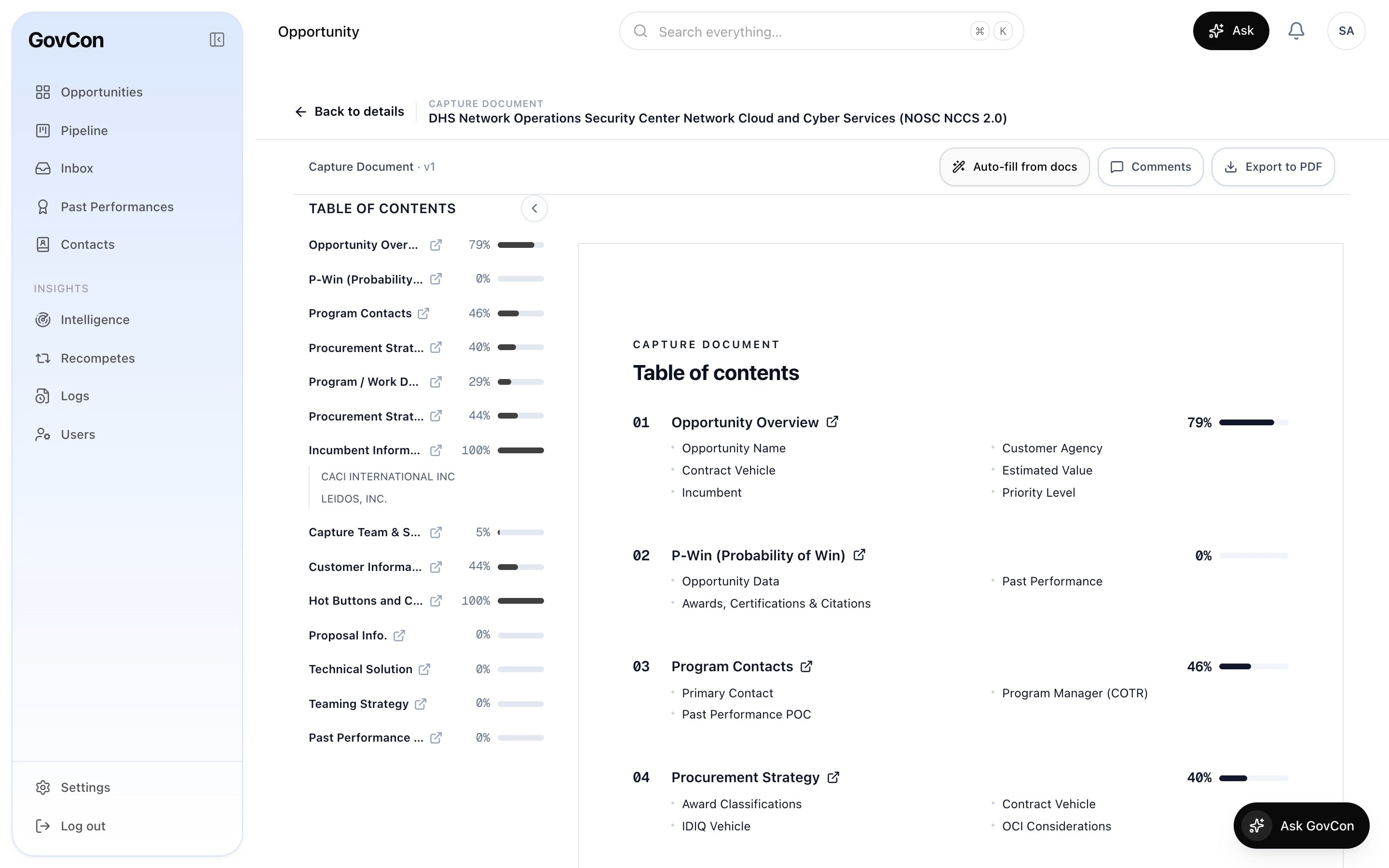
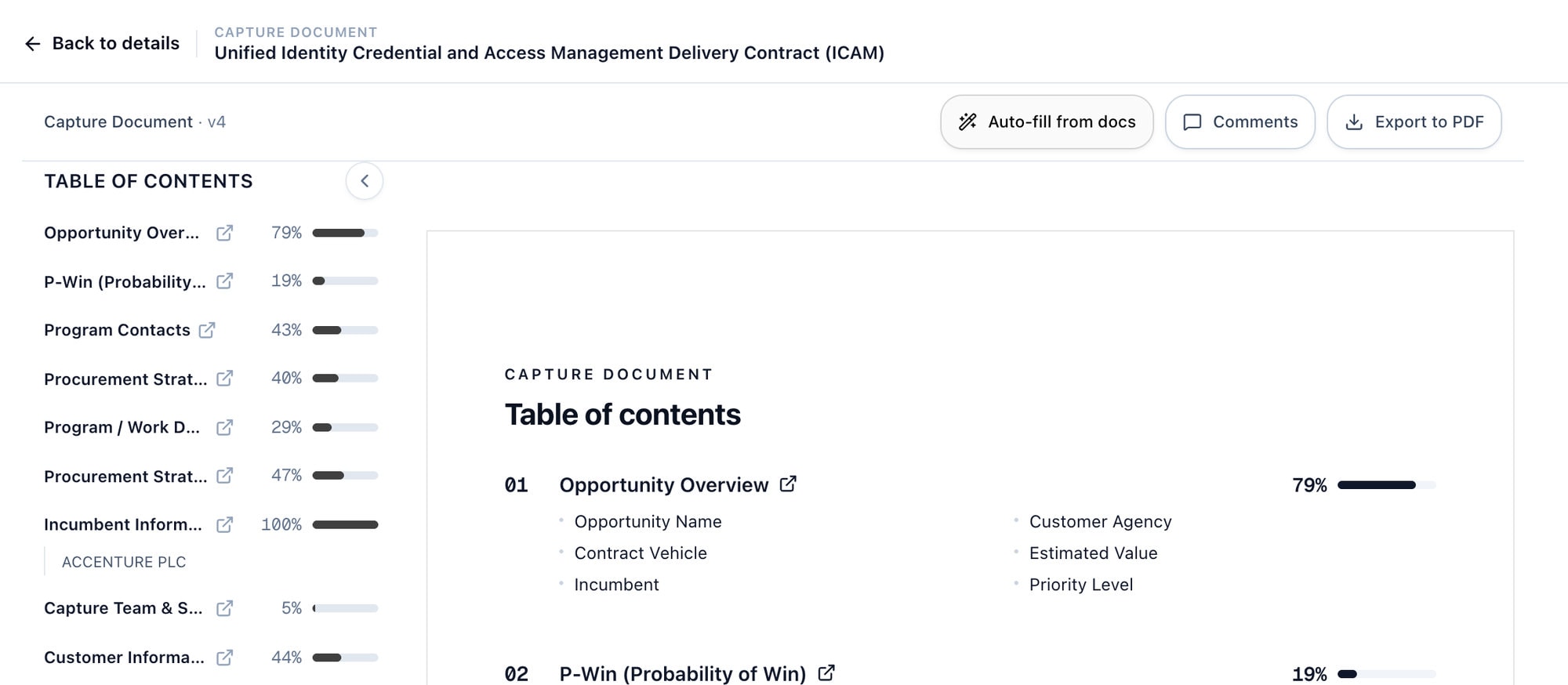
The left rail lists every section with a completion percentage. The contents page underneath shows the fields inside each section, so you can see what is still empty before you open it. Any section can be opened in its own tab.
Screenshot: Capture document table of contents: sections with completion percentages in the left rail, and the fields under Opportunity Overview in the page.
Step 2: Fill the sections
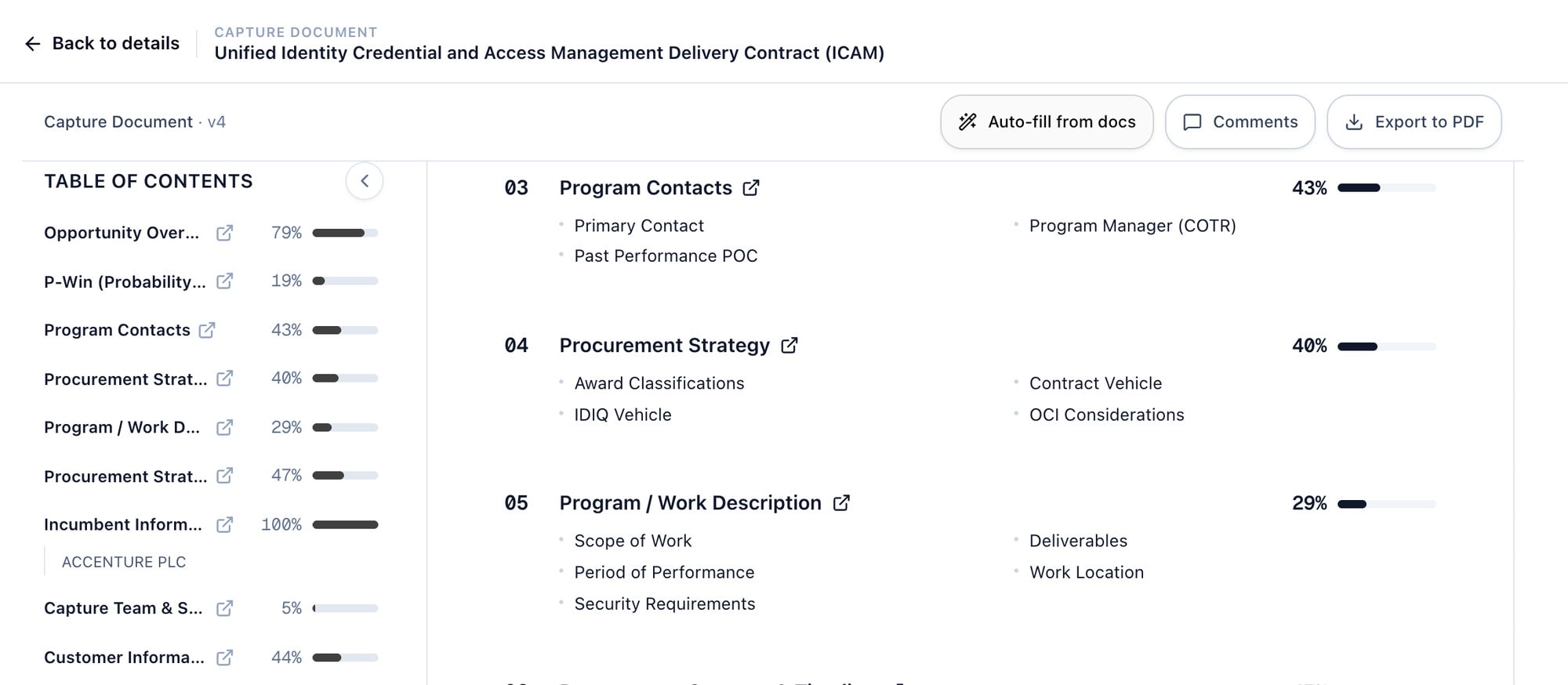
Opportunity Overview, Program Contacts, Procurement Strategy, Program / Work Description, Procurement Strategy & Timeline, Incumbent Information, Capture Team & Staffing and Customer Information carry the structured fields a capture plan needs — contract vehicle, award classification, scope of work, deliverables, period of performance, work location, security requirements. The last sections — Cold and Hot Buttons, Proposal, Teaming and Past Performance — are free-form notes today.
Screenshot: Contents page listing the fields under Procurement Strategy and Program / Work Description, each with a completion bar.
Step 3: Score P-Win
Section B is a 21-question scorecard in five groups. Each question has a weight and a 1-to-5 answer; the weighted total becomes the probability-of-win percentage. Weights and questions are editable, and a notes box holds the reasoning.
Step 4: Work in it together
Open a section and you see who else is in it, with named cursors. Type / anywhere in the text to leave a comment on that spot; @mention a colleague and they are notified in the app and, if they have it switched on, by email. Section comments can carry attachments; inline threads can be resolved and reopened.
Step 5: Save and export
The document autosaves as you type and shows Unsaved until it has. Export to PDF opens a print-ready copy — choose Save as PDF in your browser’s print dialog.
The specifics.
Thirteen lettered sections, A to M: Opportunity Overview, P-Win, Program Contacts, Procurement Strategy, Program / Work Description, Procurement Strategy & Timeline, Incumbent Information, Capture Team & Staffing, Customer Information, Cold and Hot Buttons, Proposal Info, Teaming Strategy, Past Performance Projects.
Completion is counted from filled fields; the overall percentage also appears on the opportunity card and the pipeline card.
P-Win: 21 questions in five groups — Opportunity Data (4), The Customer (3), Strength to Win (9), Support to Win (3), Execution Status (2).
At the default weights the P-Win total is out of 415 — a perfect 5 on every question.
Two kinds of comment: a comment on a section, with up to 10 attachments of 10 MB each, and an inline comment anchored to selected text, listed as Open or Resolved.
Live presence and section sync run on the core sections; a section refreshes with a teammate’s latest text when you open it.
Autosave runs about two seconds after you stop typing.
Export is a print-ready PDF. There is no Word export.
Data behind Capture Document
- Source 01
- Written by your team inside the record
- Source 02
- Completion and P-Win are computed from what you enter
- Refresh
- Autosaves as you type. Presence updates live while a section is open; a teammate who has been silent for 45 seconds drops off the list.
The words, explained.
- P-Win
- Probability of win — a structured way to ask “how strong are we on this one?” before the money is spent.
- Capture
- The work between deciding to pursue and writing the proposal — understanding the customer, the incumbent, the competition and your own position.
- Hot and cold buttons
- Hot buttons are what the customer cares most about; cold buttons are what they want to avoid. Section J is where you write them down.
- @mention
- Typing @ and a colleague’s name inside a comment. They are notified in the app and by email.
What people ask about Capture Document.
Short answers here. The playbook has the long ones, screen by screen.
Still have a question? Book a working session
What it works with.
- Capability Matrix
 04
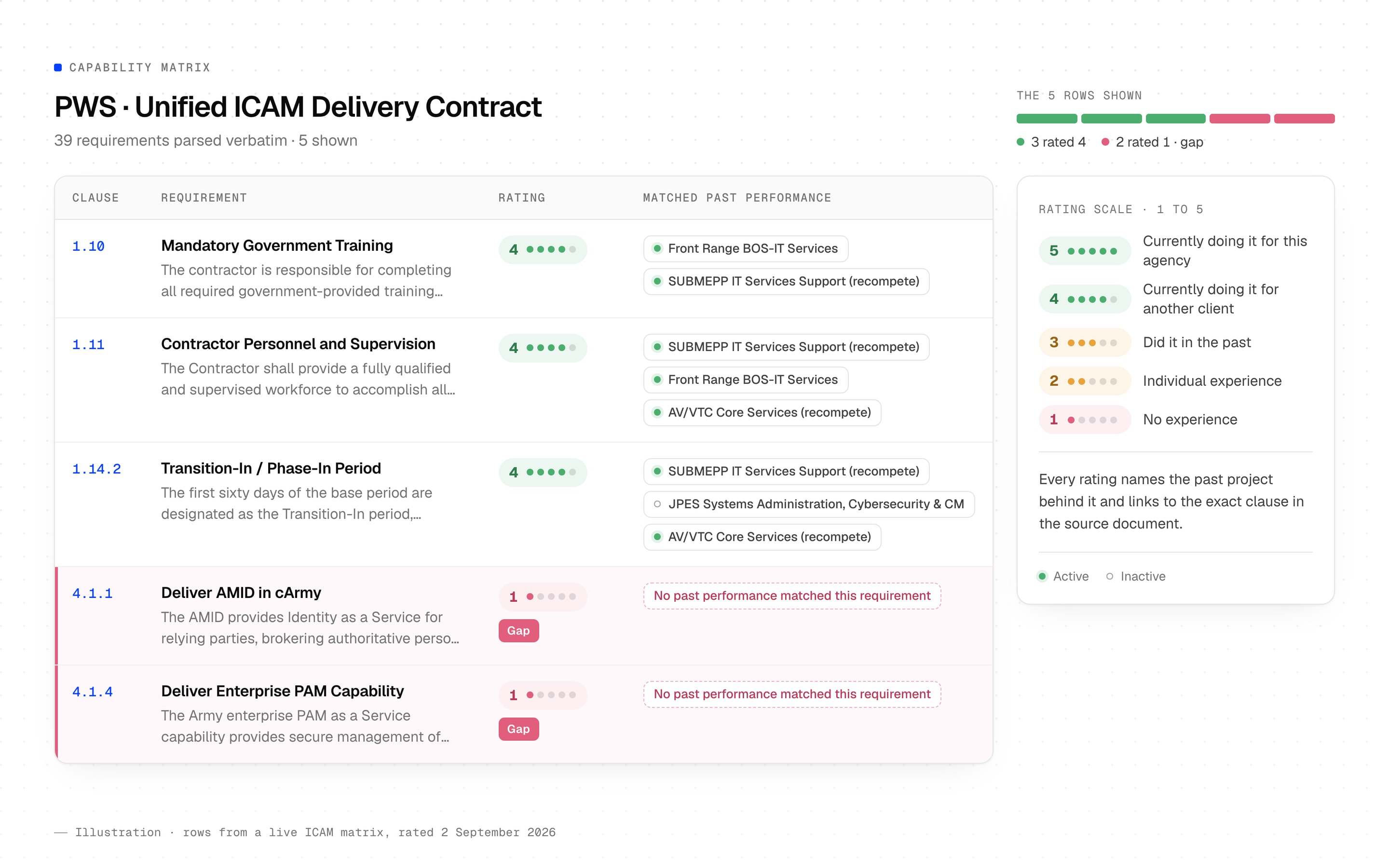
Capability Matrix
For answering “can we actually do this?” with evidence.
- Pipeline & Gate
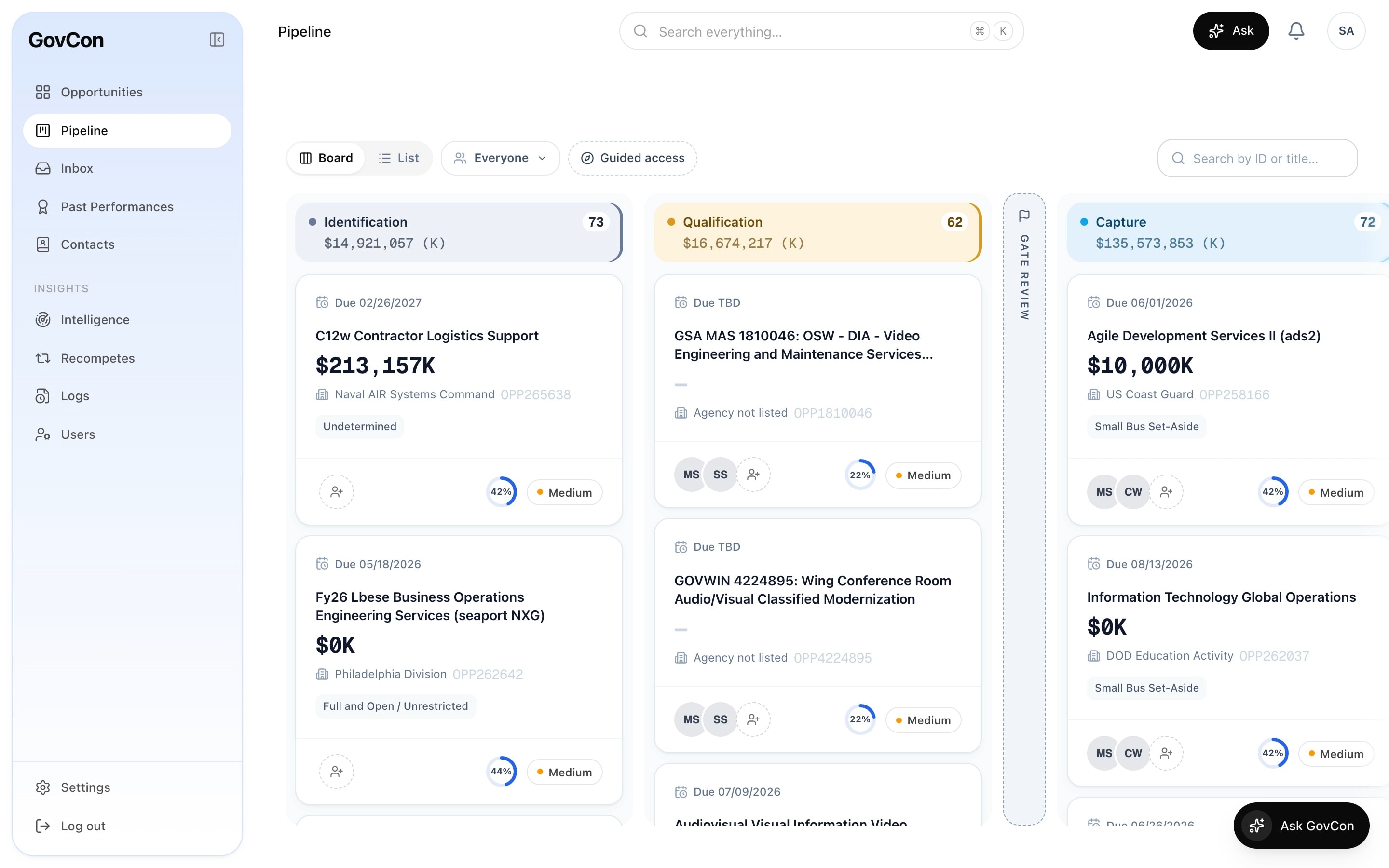 06
Pipeline & Gate
For seeing everything at once and stopping the wrong bids.
- Assistant
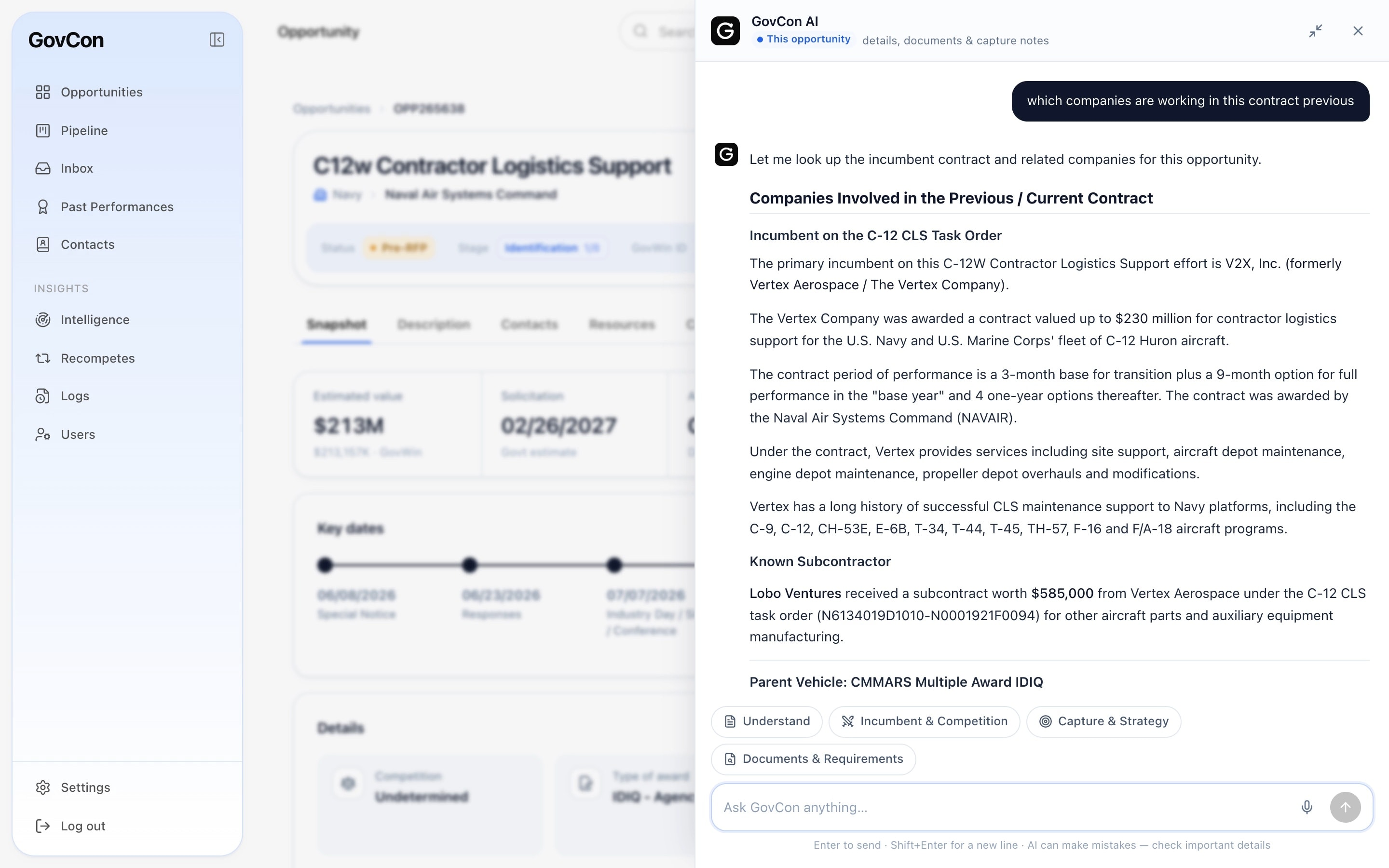 07
Assistant
For getting a straight answer without reading two hundred pages.
Want it walked through on your own pursuit?
Bring one solicitation. In forty-five minutes we import it, pull the incumbent’s award history, and show you Capture Document working on it. You keep the record either way.
- GovWin under your own licence
- USAspending needs no account
- Nothing you upload trains a model