Ask the record. Get an answer that cites it.
A capture analyst that reads the opportunity you have open — its fields, its capture record and its stored documents — and answers in plain words, naming its sources.
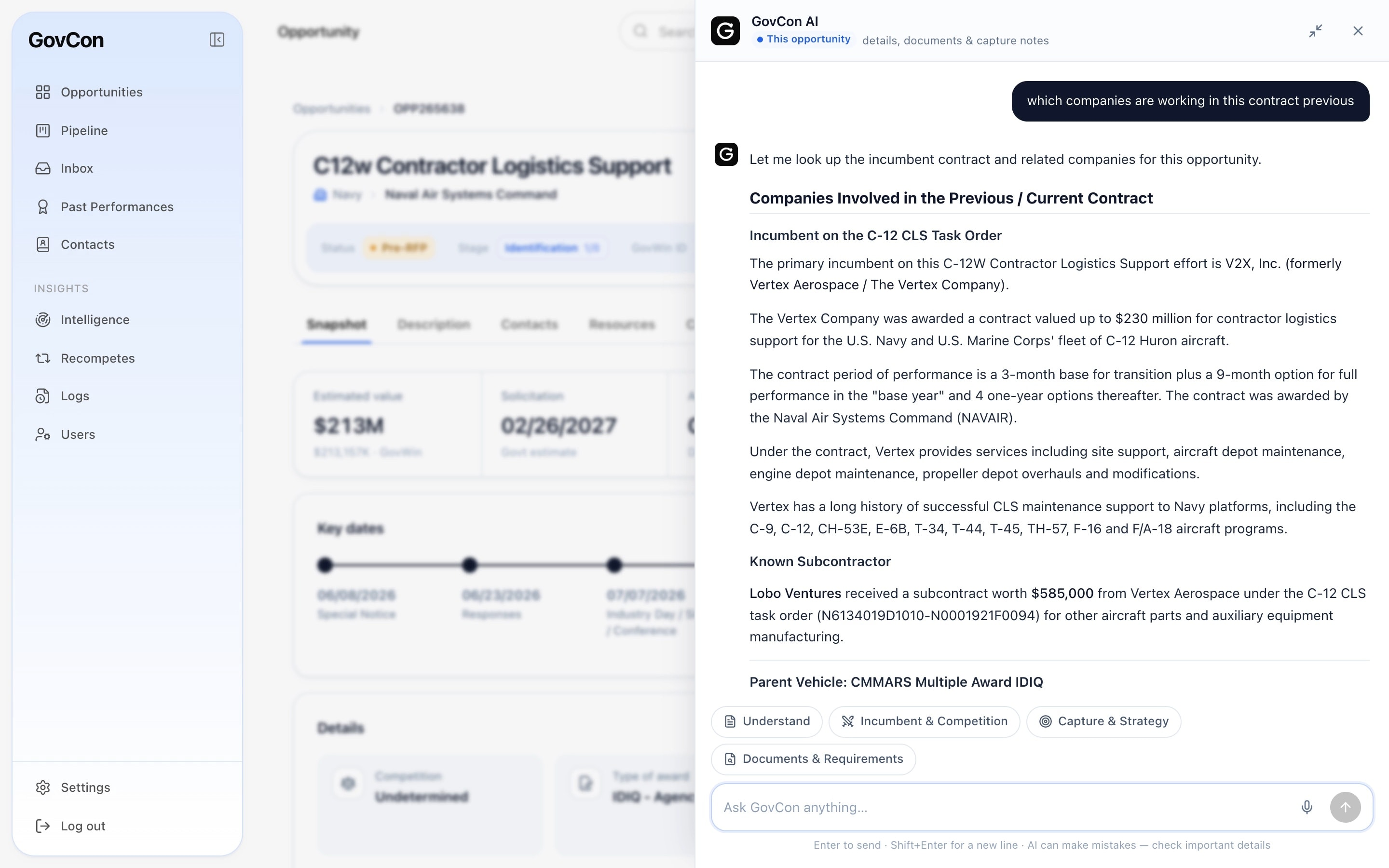
Answers that cite the pursuit’s own documents
For getting a straight answer without reading two hundred pages.
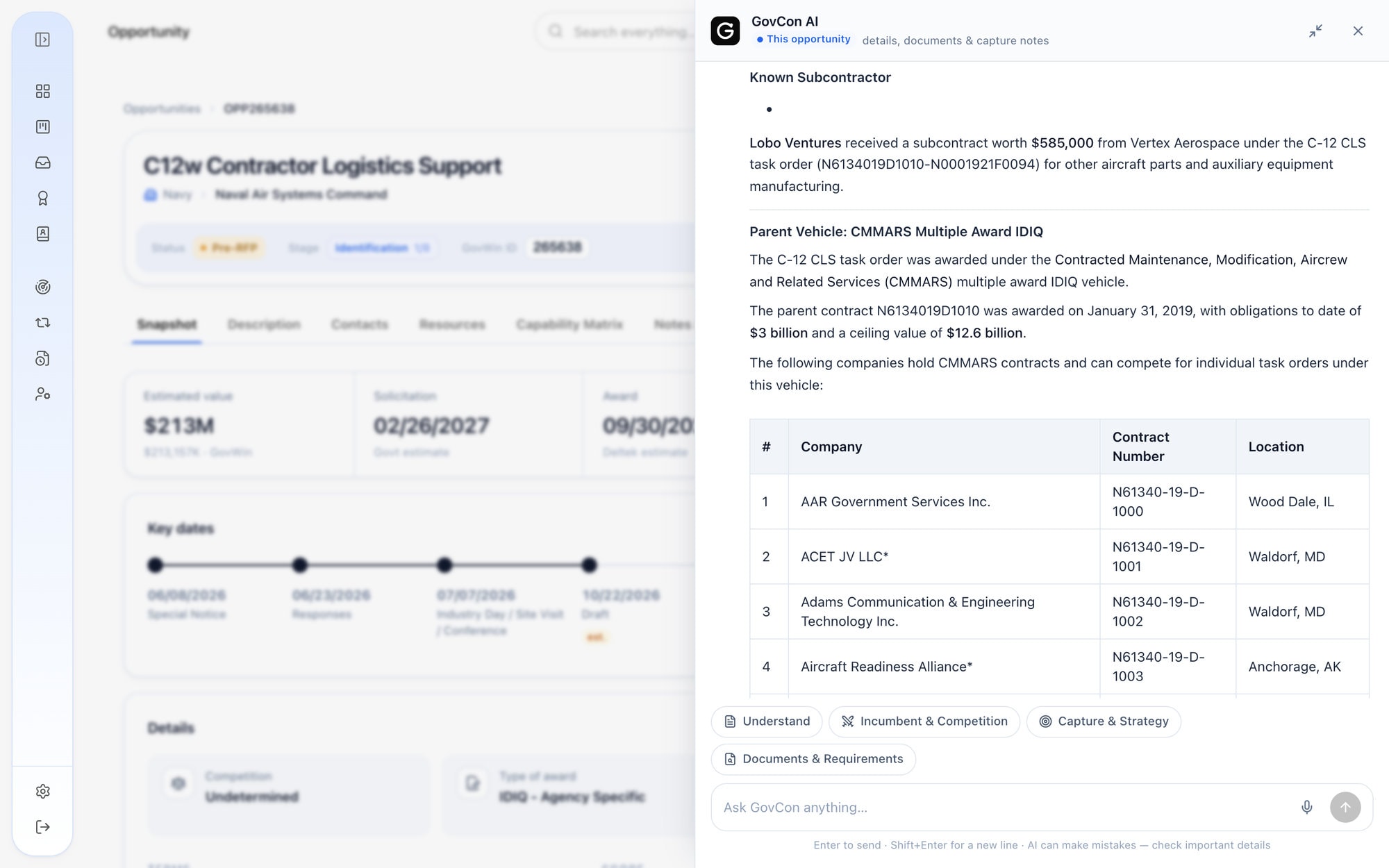
The Assistant is a chat panel available on every page. It is built on Claude, a large language model from Anthropic, briefed as a federal capture analyst. Opened inside an opportunity, it reads that record: the GovWin fields, linked contracts, contacts, milestones and companies, the capture record including the P-Win score, and the documents stored on the pursuit.
Capture managers use it to get a straight answer — who is the incumbent, what does the PWS require, where are the risks — without reading two hundred pages first. Anyone can use it; each person’s thread on a pursuit is private to them.
It replaces the search through a folder of PDFs and the half-remembered answer. It does not replace the analyst: it drafts, cites and structures; you decide.
Assistant, step by step.
Step 1: Open it on any page
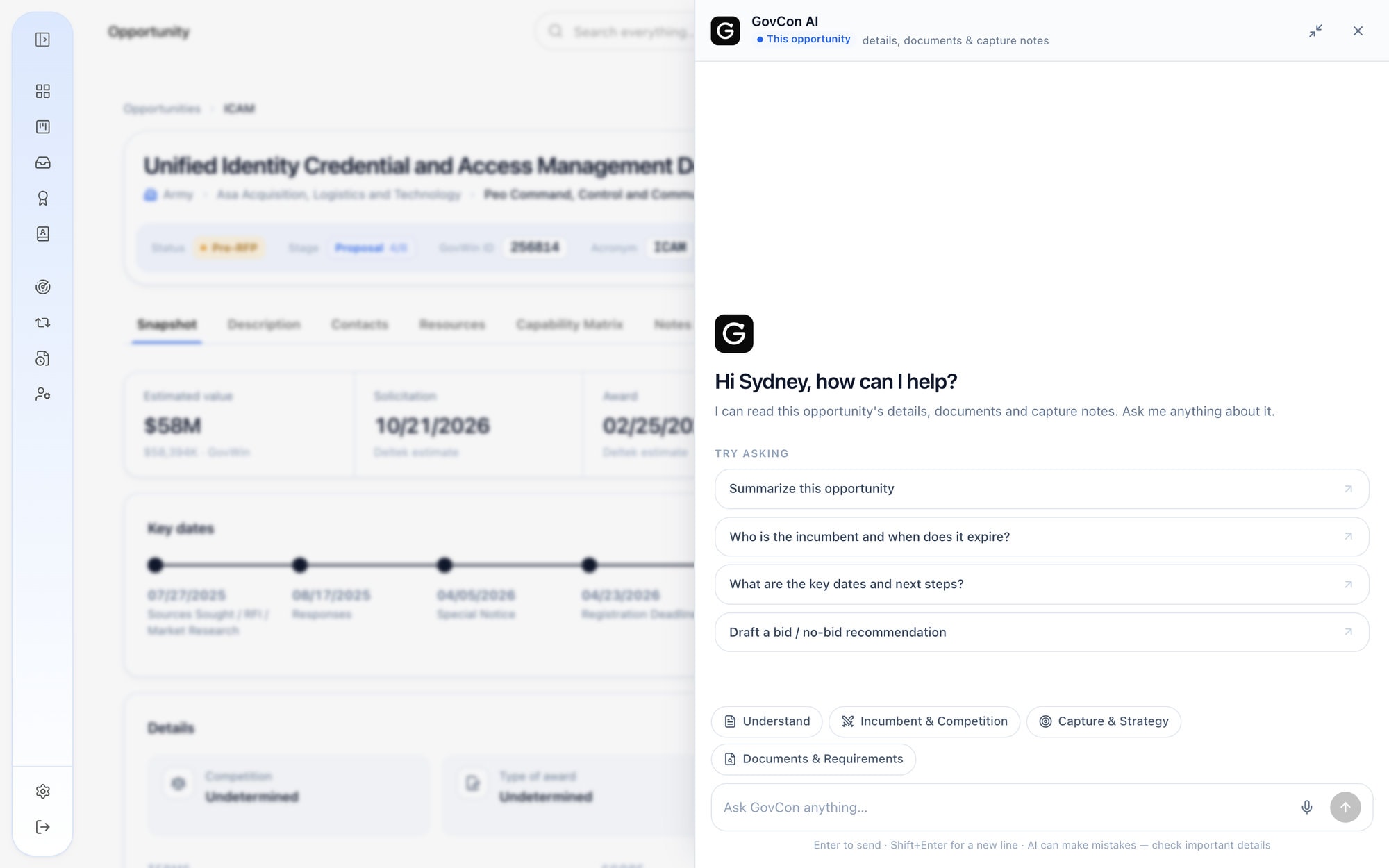
The assistant button sits in the corner of every page. It knows what you are looking at: the list you have loaded, or the opportunity and capture record you have open.
Screenshot: The assistant panel open beside an opportunity snapshot, inviting a question about the page.
Step 2: Ask in plain words
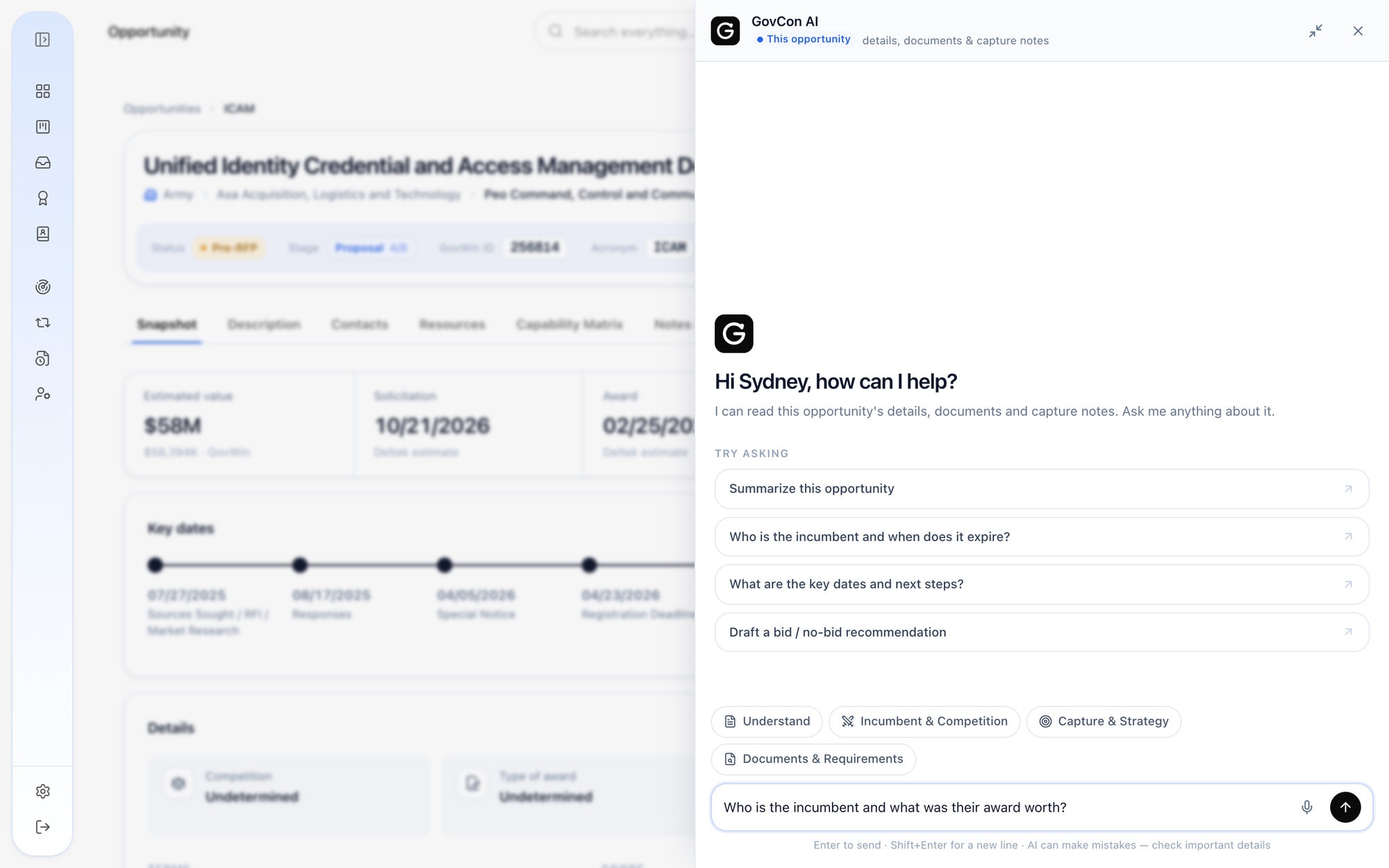
Type the question as you would ask a colleague. No special syntax.
Screenshot: A question about the incumbent being typed into the assistant.
Step 3: It reads the record first
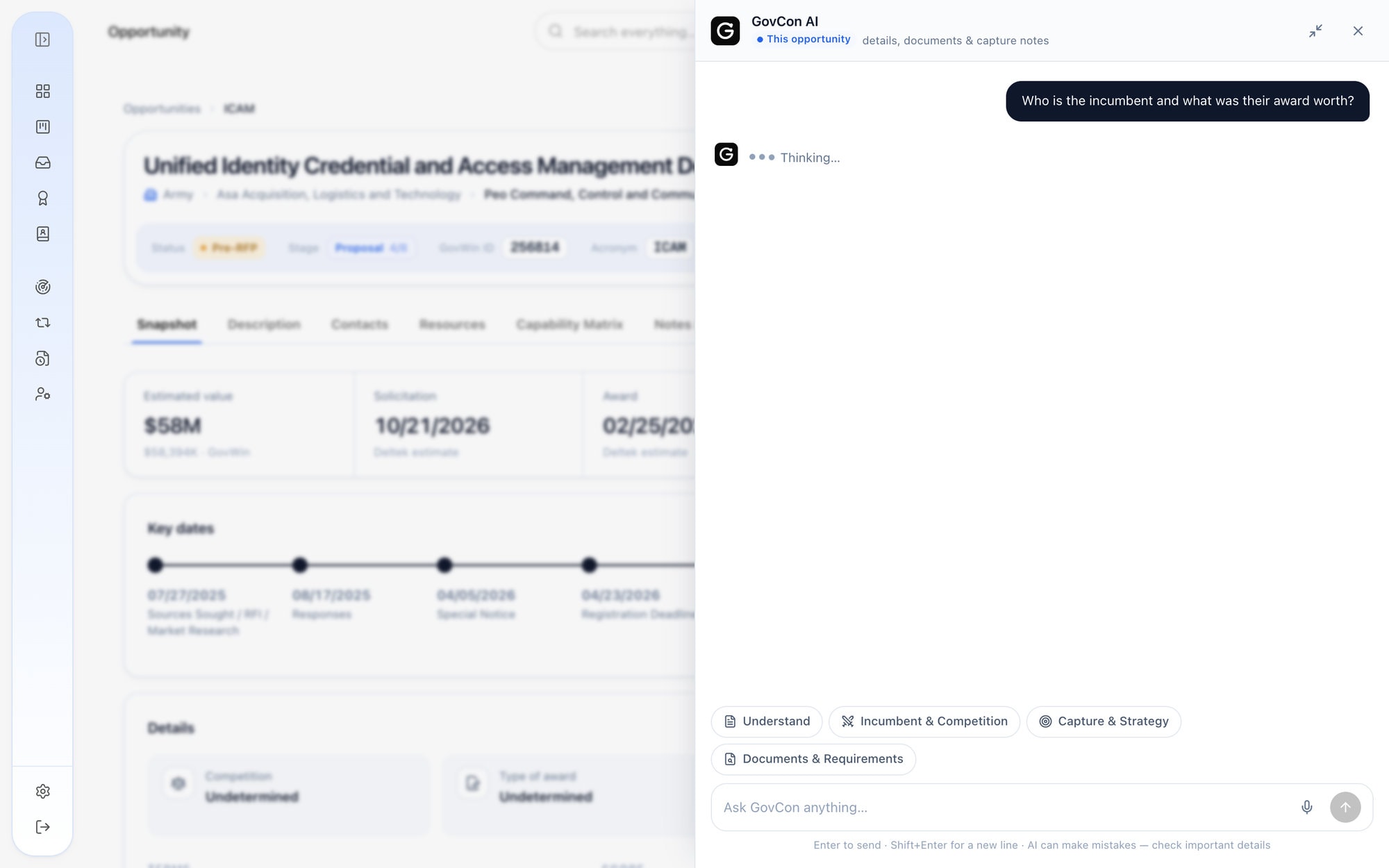
The answer is grounded in the page context and the stored documents. If a fact is not in the record, it says “Not available in record” rather than guessing.
Screenshot: The assistant thinking after a question about the incumbent and their award value.
Step 4: Read the answer and its sources
Answers come back structured — headings, bullet lists, tables — and name the document they drew on. When the assistant searches the web for contract history or incumbent detail, it cites the link.
Screenshot: An incumbent analysis from the assistant, with the linked contract number it drew on and a key-details table.
Step 5: Ask for more
Ask for a full opportunity analysis and it uses seven standard headings — Opportunity Summary, Incumbent Analysis, Competitive Landscape, Vehicle and Set-Aside Assessment, Recompete & Timing Risk, Win Probability Factors, Recommended Next Steps. Ask for a spreadsheet and it builds an Excel file you can download.
The specifics.
Grounded in the opportunity’s fields, a sample of its linked contracts, contacts, milestones and companies, the capture record with its P-Win percentage and bid-strategy notes, and up to 80,000 characters of text from stored documents (40,000 per document).
Rule one in its instructions: ground every insight in the record, and if a field is empty say so. Never invent an agency, an award, a contract number or a company.
It gives no win percentage unless you ask for one.
Web search, where it is enabled, is used for contract history, incumbent verification, NAICS landscape and agency budget questions — at most five searches per answer, always cited with a link.
Spreadsheets are built as real Excel files and returned as attachments to the chat.
Up to five tool steps per answer; if the AI service is busy it waits about a minute and retries once before telling you.
One private thread per person per opportunity, plus one general thread per person outside an opportunity.
Your documents and questions are not used to train a model.
Data behind Assistant
- Source 01
- The opportunity record — GovWin fields, linked contracts, contacts, milestones, companies
- Source 02
- The capture record, including P-Win and bid-strategy notes
- Source 03
- Documents stored on the pursuit — from GovWin, HigherGov or your uploads
- Source 04
- Web search, when it runs — cited with a link
- Refresh
- Reads the record at the moment you ask. Nothing you upload or type is used to train a model.
The words, explained.
- Grounded
- The assistant answers from the documents on the pursuit. Nothing you upload is used to train a model.
- Claude
- The large language model from Anthropic that powers the assistant. GovCon sends it your question with the record’s context; it sends back the answer.
- Set-aside
- A contract reserved for a class of business — small, veteran-owned and so on. The assistant’s analysis has a heading for it.
- Citation
- The name of the document — or the web link — an answer drew on. Answers without a source say so.
What people ask about Assistant.
Short answers here. The playbook has the long ones, screen by screen.
Still have a question? Book a working session
What it works with.
- Capability Matrix
 04
Capability Matrix
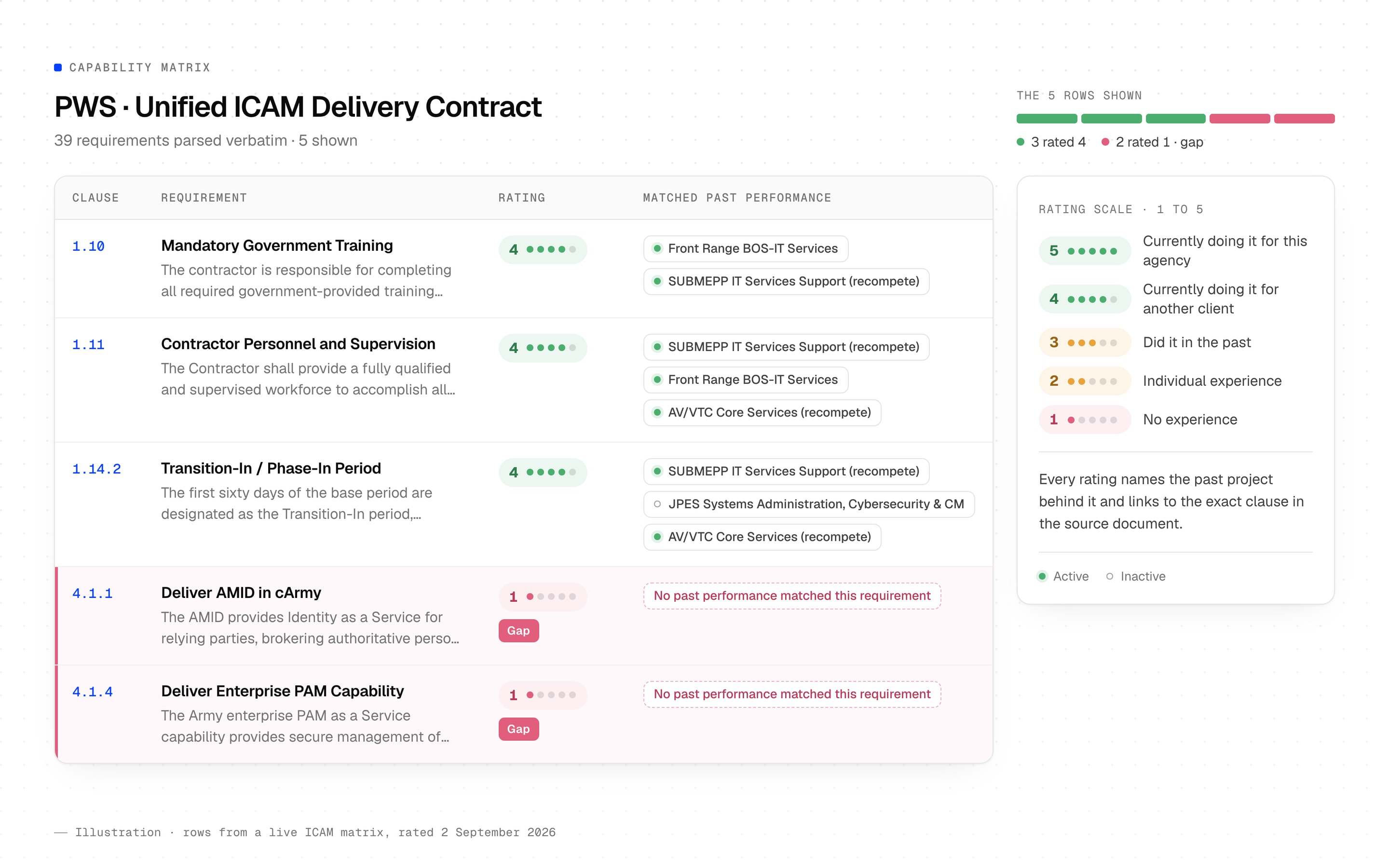
For answering “can we actually do this?” with evidence.
- Capture Document
 05
Capture Document
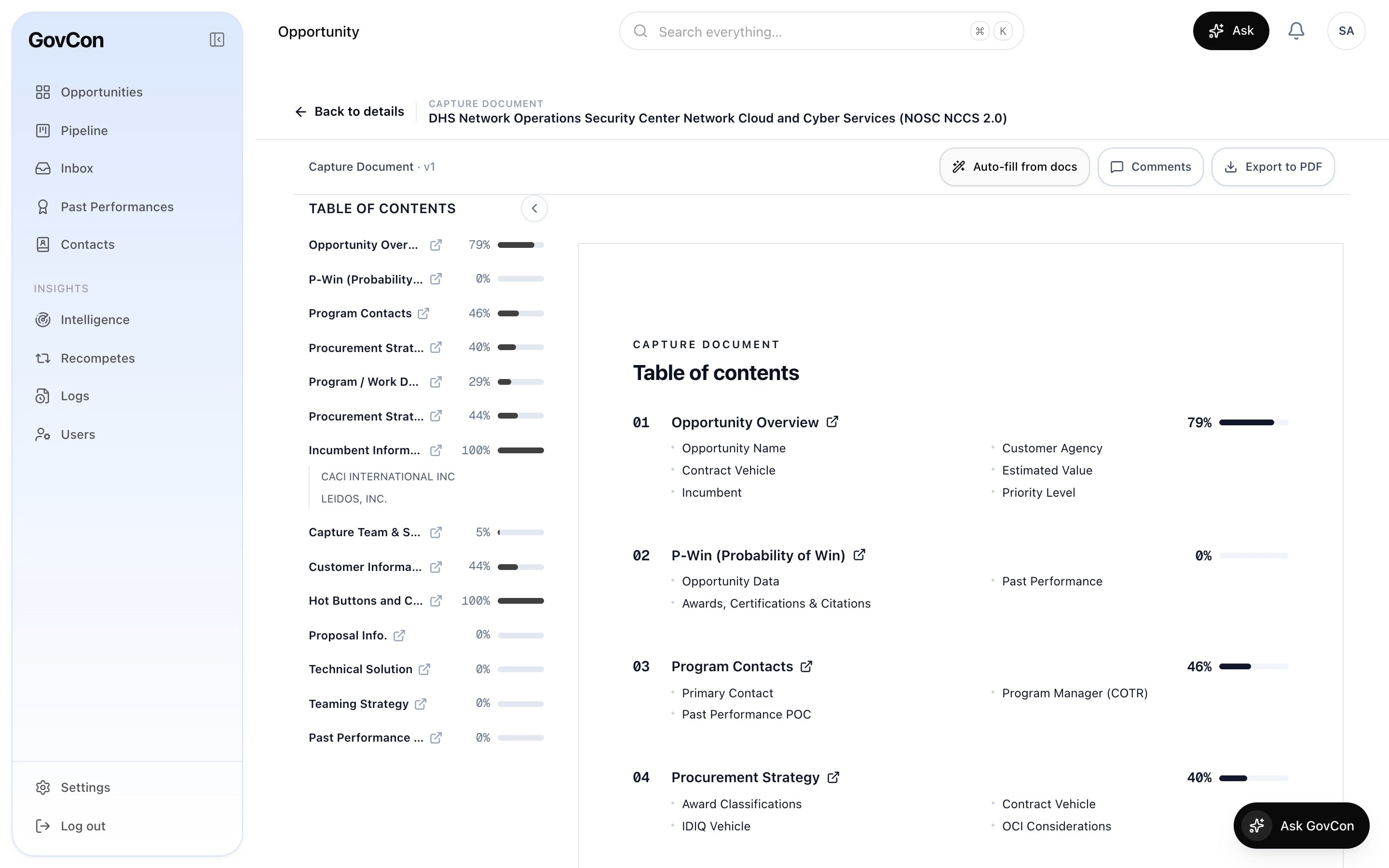
For turning “we should bid” into a plan.
- Opportunities
 01
Opportunities
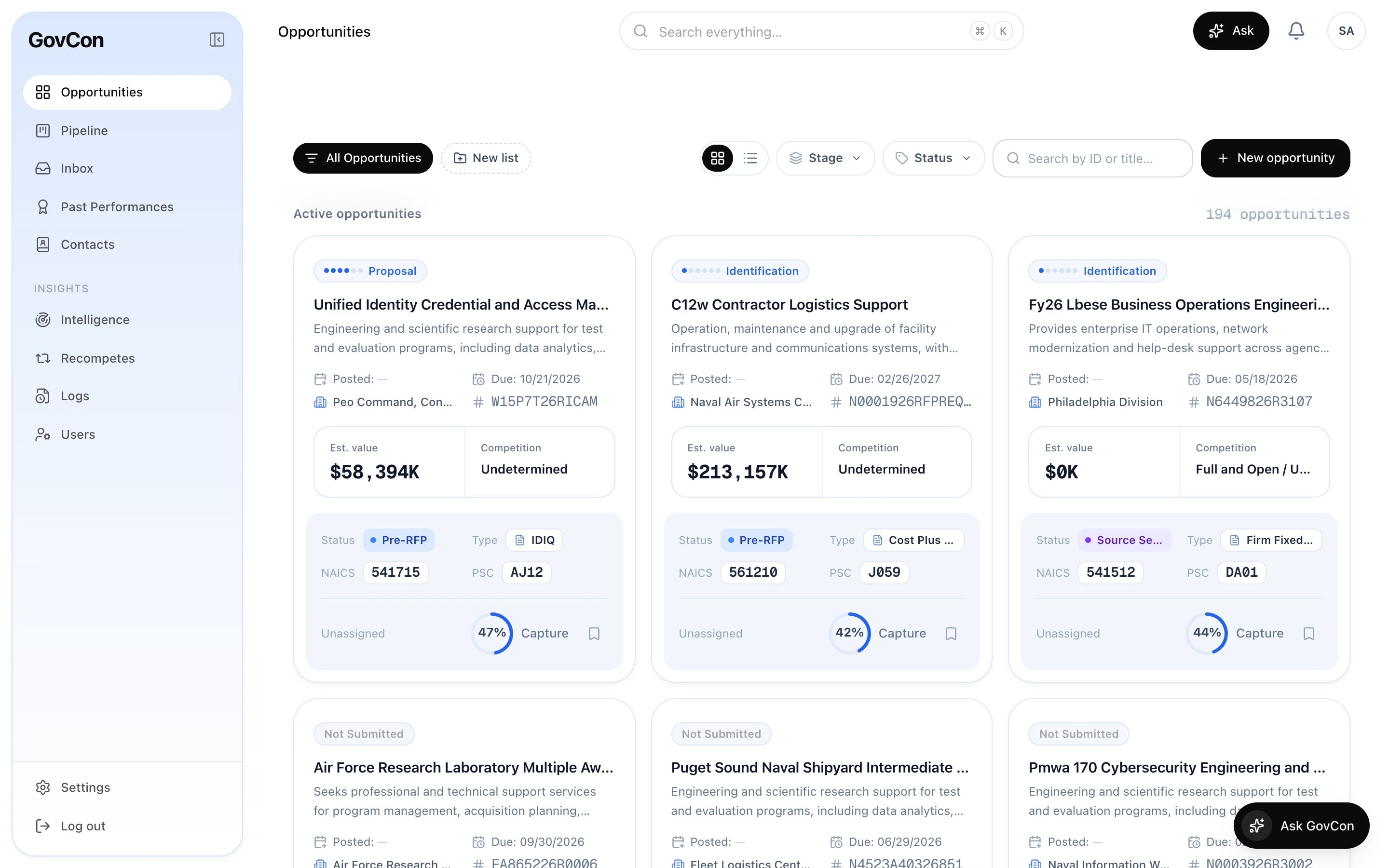
For keeping track of what you are chasing.
Want it walked through on your own pursuit?
Bring one solicitation. In forty-five minutes we import it, pull the incumbent’s award history, and show you Assistant working on it. You keep the record either way.
- GovWin under your own licence
- USAspending needs no account
- Nothing you upload trains a model